2 • HD-MD4X2-4KZ-E and HD-MD4X1-4KZ-E Web Interface Configuration Guide — Doc. 8907B
Access the Web Interface with a Web
Browser
1. Enter the IP address of the AVswitcher into a web browser.
NOTE: To obtain the IP address, press the Setup button on the AVswitcher to display
the IP address on the HDMI output. The IP address is displayed for 20 seconds.
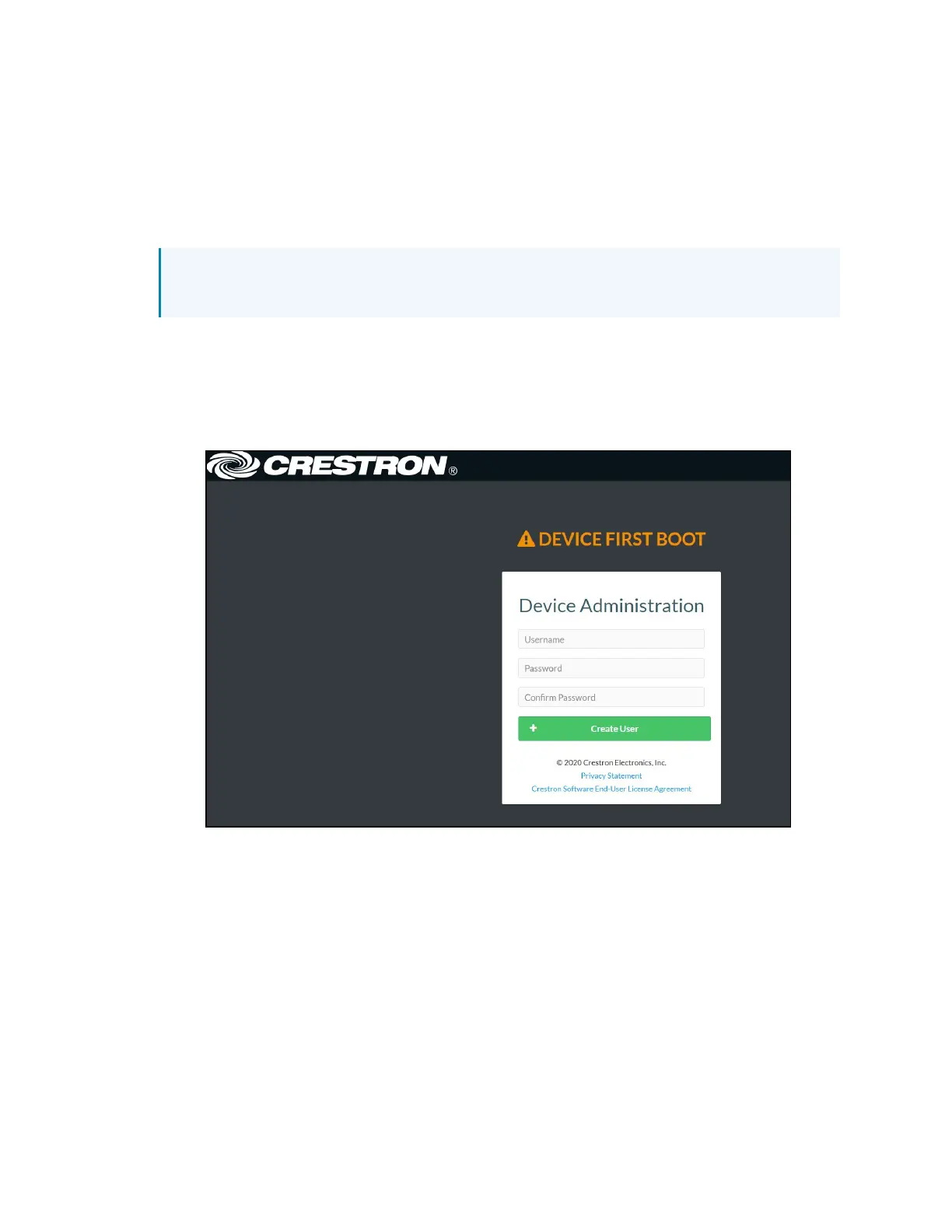
2. If you are creating a user account for the first time, do the following; otherwise, skip to
step 3.
a. Enter a username in the Username field.
b. Enter a password in the Password field.
c. Re-enter the same password in the Confirm Password field.
d. Click Create User. The Device Administration page appears.












 To Next Page