Web Interface Configuration Guide — Doc. 8907B HD-MD4X2-4KZ-E and HD-MD4X1-4KZ-E • 9
EDID Management
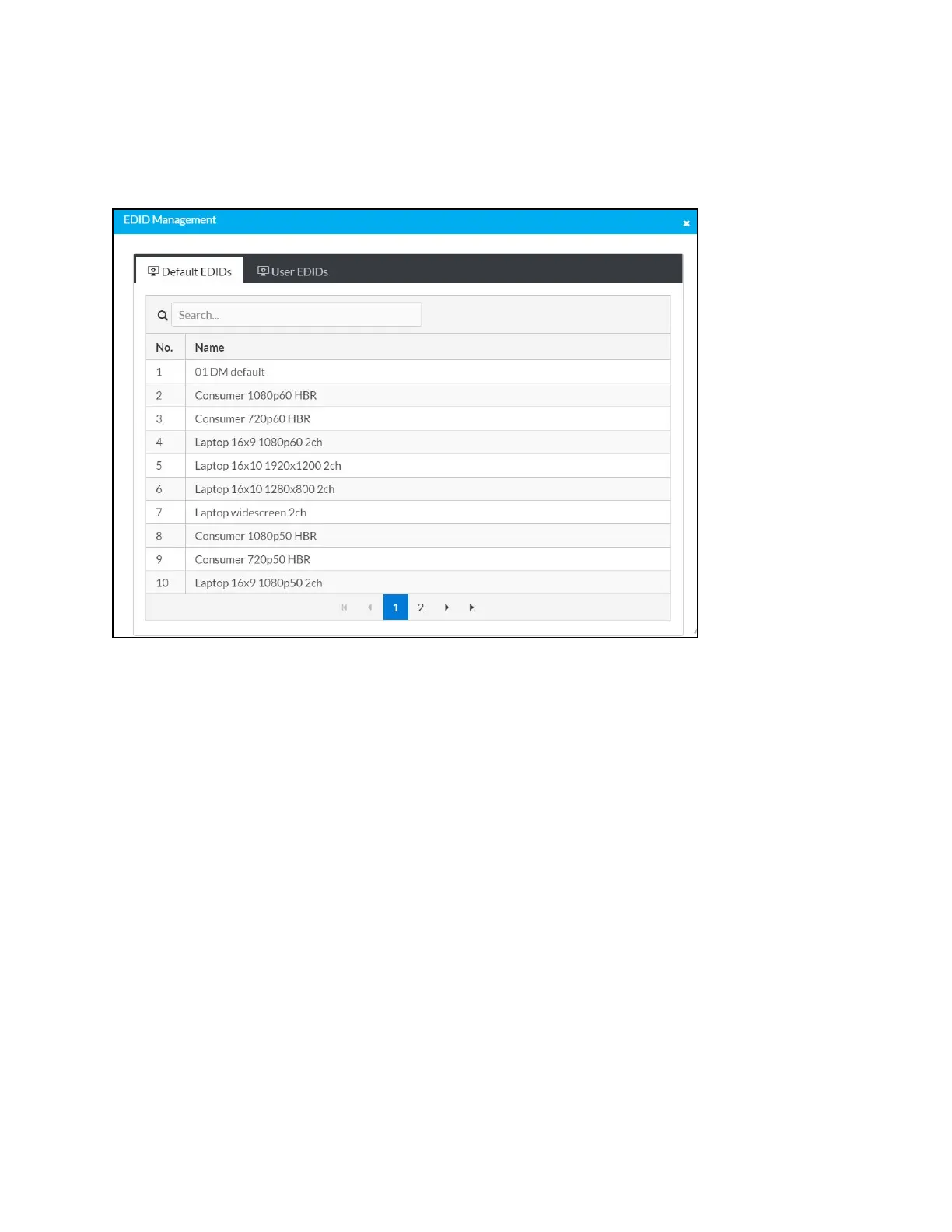
The EDID Management dialog displays available built-in EDID files and allows loading of a
custom EDID file.
Built-in EDIDs are displayed in the Default EDIDs tab of the EDID Management dialog. The
following EDIDs are available:
l
01 DM default
l
Consumer 1080p60 HBR
l
Consumer 720p60 HBR
l
Laptop 16x9 1080p60 2ch
l
Laptop 16x10 1920x1200 2ch
l
Laptop 16x10 1280x800 2ch
l
Laptop widescreen 2ch
l
Consumer 1080p50 HBR
l
Consumer 720p50 HBR
l
Laptop 16x9 1080p50 2ch
l
DM Default 4k 30Hz 2ch
l
DM Default 4k 60Hz 2ch
l
DM Default 4k 60Hz HBR
l
4K60 444 2CH Non-HDR
l
4K60 444 2CH HDR












 To Next Page