Product Manual — Doc. 7750C TST-902 • 101
Keypad Test
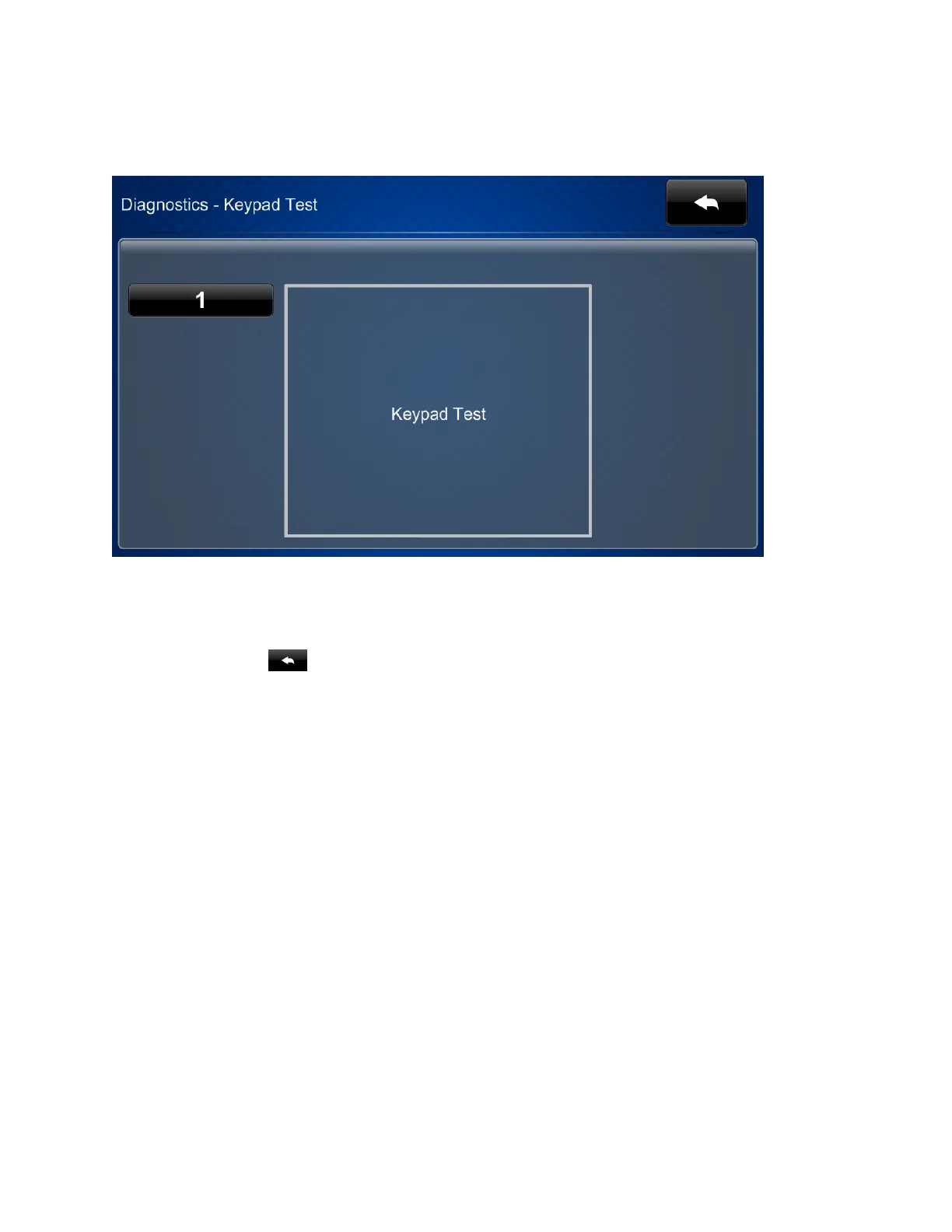
Tap Keypad Test on the Diagnostics screen to display the Diagnostics - Keypad Test screen.
Use the Diagnostics - Keypad Test screen to test the functionality of the reset button on the rear
of the touch screen. When the reset button is pressed, its respective indicator lights on the
screen.
Tap the back button to return to the Diagnostics screen.











 To Next Page