Product Manual — Doc. 7750C TST-902 • 93
l
Beep Volume
o
Tap the up and down arrow buttons to raise or lower the touch screen beep volume
incrementally from 0 to 100%.
o
Tap Beep On or Beep Off to turn the beep volume on or off.
Tap the back button to return to the TST-902 Setup screen.
Display Setup
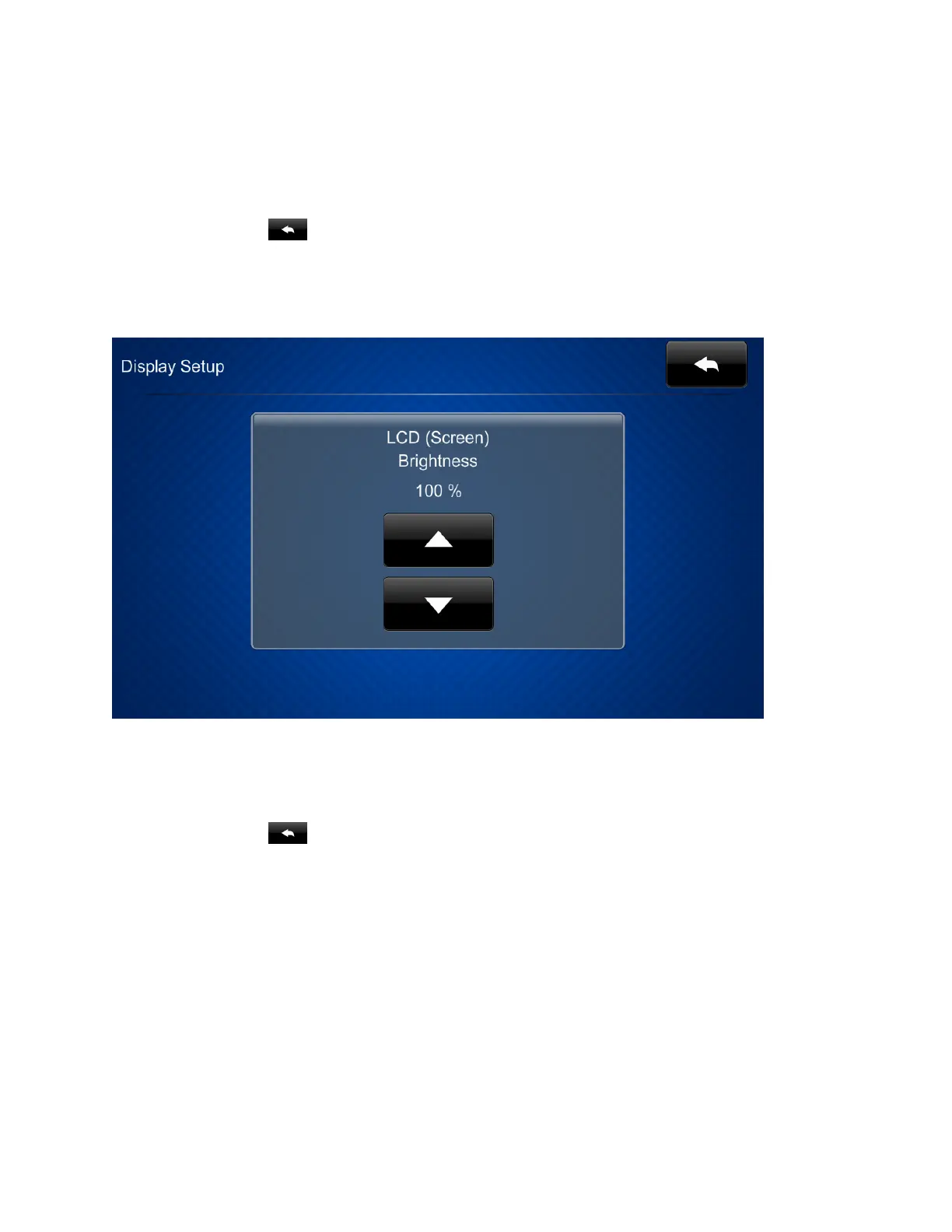
Tap Display Setup on the TST-902 Setup screen to display the DisplaySetup screen.
Use the Display Setup screen to control settings for the touch screen display.
Tap the up or down arrow buttons under LCD(Screen)Brightness to raise or lower the LCD
display brightness level incrementally from 0 to 100%.
Tap the back button to return to the TST-902 Setup screen.











 To Next Page