Product Manual — Doc. 7750C TST-902 • 83
Initial Setup
Use the following procedures to set up the TST-902 following installation.
Access the Setup Screens
The TST-902 may be monitored and configured using its local setup screens.
l
To access the setup screens after power is applied to TST-902 for the first time (or if no
user project has been loaded), tap the splash screen that is displayed.
l
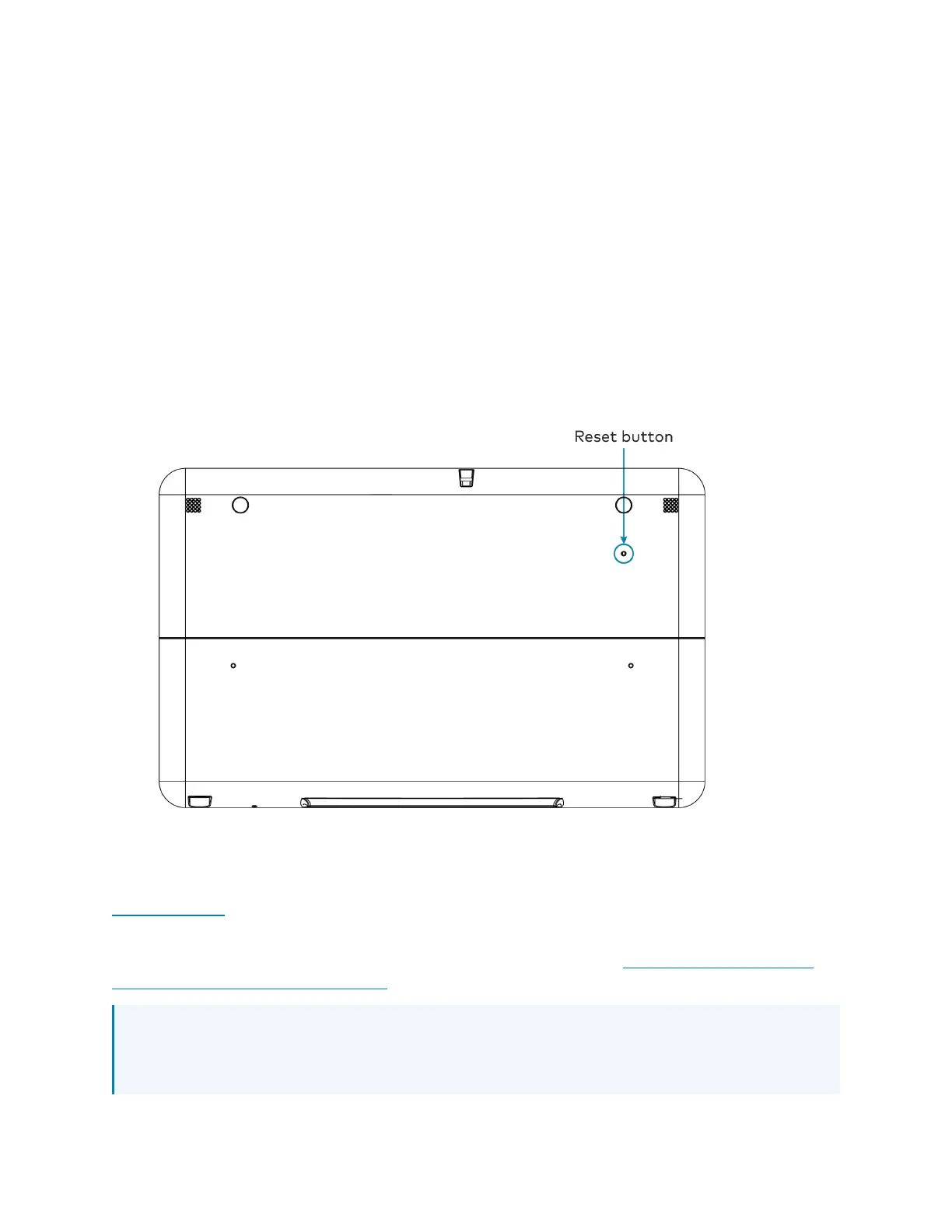
After a user project has been loaded, access the setup screens by using the included t-pin
tool to press the reset button on the rear of the TST-902 four times within a five-second
period.
Set Up an Extended Range RFConnection
The TST-902 must be acquired to a Crestron Extended Range (ER) gateway, such as the
CEN-GWEXER (not included), before it can be used with a Crestron control system.
For more information on creating an optimal wireless environment for the TST-902, including
where to position the ERgateway for minimal interference, refer to Installation and Setup of
Crestron RFProducts Best Practices.
NOTE:Every TST-902 installation requires a Crestron ERwireless gateway to provide
essential wireless capability to the touch screen. The TST-902 will not work over Wi-Fi®
communications alone.











 To Next Page