94 • TST-902 Product Manual — Doc. 7750C
Standby Timeout
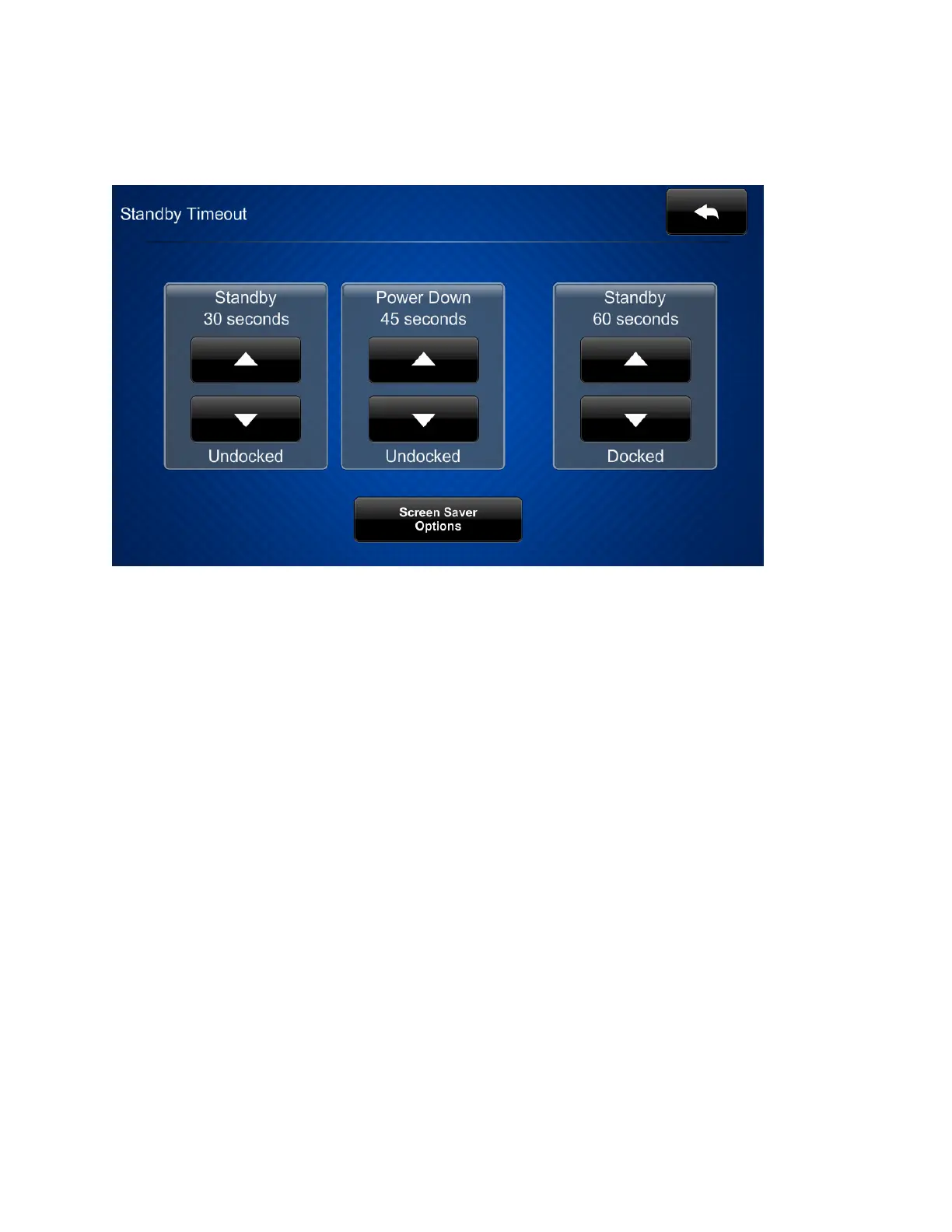
Tap Standby Timeout on the TST-902 Setup screen to display the Standby Timeout screen.
Use the Standby Timeout screen to set the standby timeout settings for the touch screen.
l
Tap the up and down arrow buttons under Standby (on the left of the screen)to set the
touch screen standby timeout duration from 0to120 seconds when it is undocked. Select
"0" to turn off standby timeout.
l
Tap the up and down arrow buttons under Power Down to set the power down duration
from 0to240 seconds when it is undocked. Select "0"to turn off the power down
behavior.
l
Tap the up and down arrow buttons under Standby (on the right of the screen) to set the
touch screen standby timeout duration from 0to120 seconds when it is docked. Select
"0" to turn off standby timeout.











 To Next Page