Product Manual — Doc. 7750C TST-902 • 107
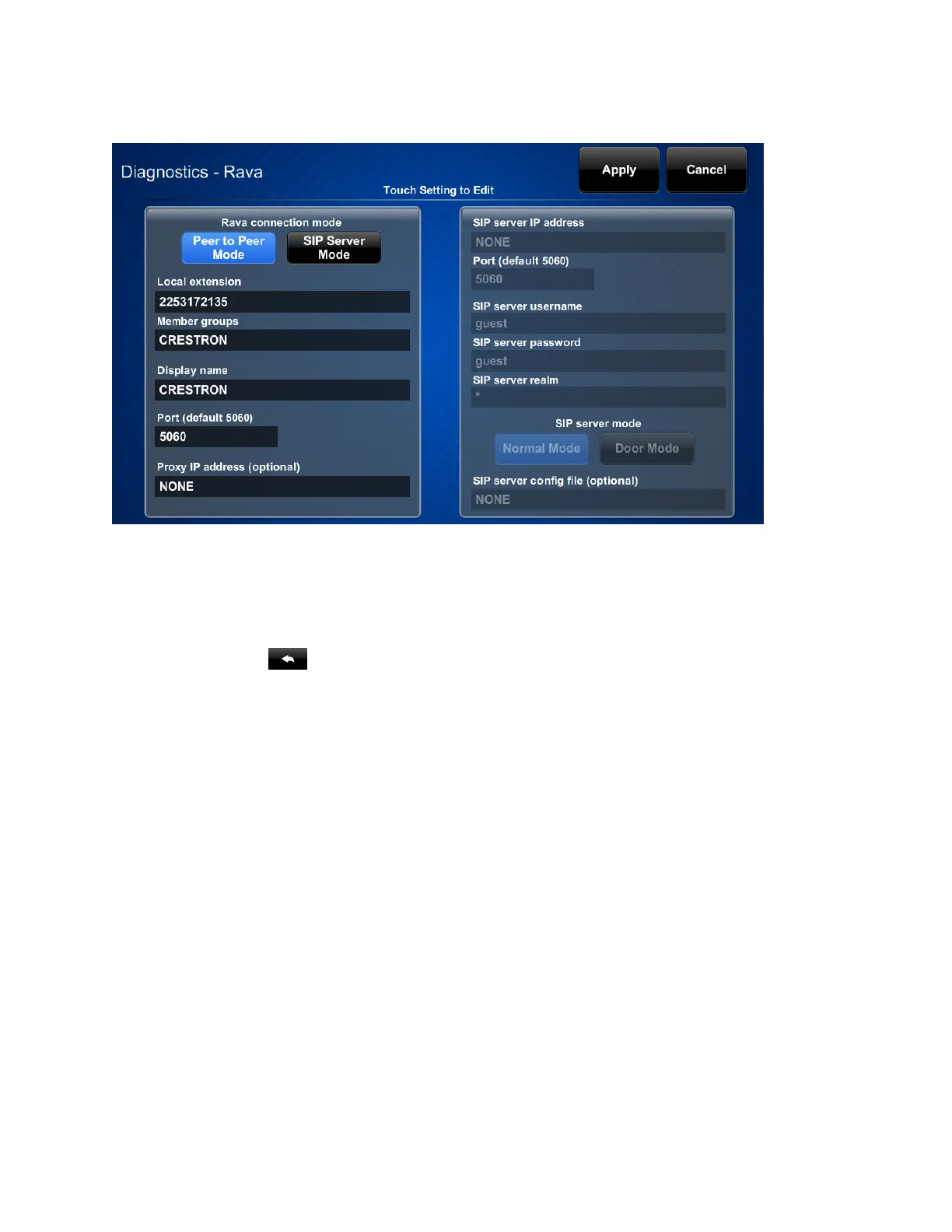
Tap Rava Setup to display settings for the Rava SIPintercom.
The Rava settings screen provides controls to switch between Peer to Peer Mode and SIP Server
Mode. Tapping the text fields on the screen opens the on-screen keyboard or on-screen numeric
keypad for entering the appropriate information.
Tap Apply to save any changes, or tap Cancel to cancel the changes.
Tap the back button to return to the Diagnostics screen.











 To Next Page