Product Manual — Doc. 7750C TST-902 • 109
Battery Diagnostics
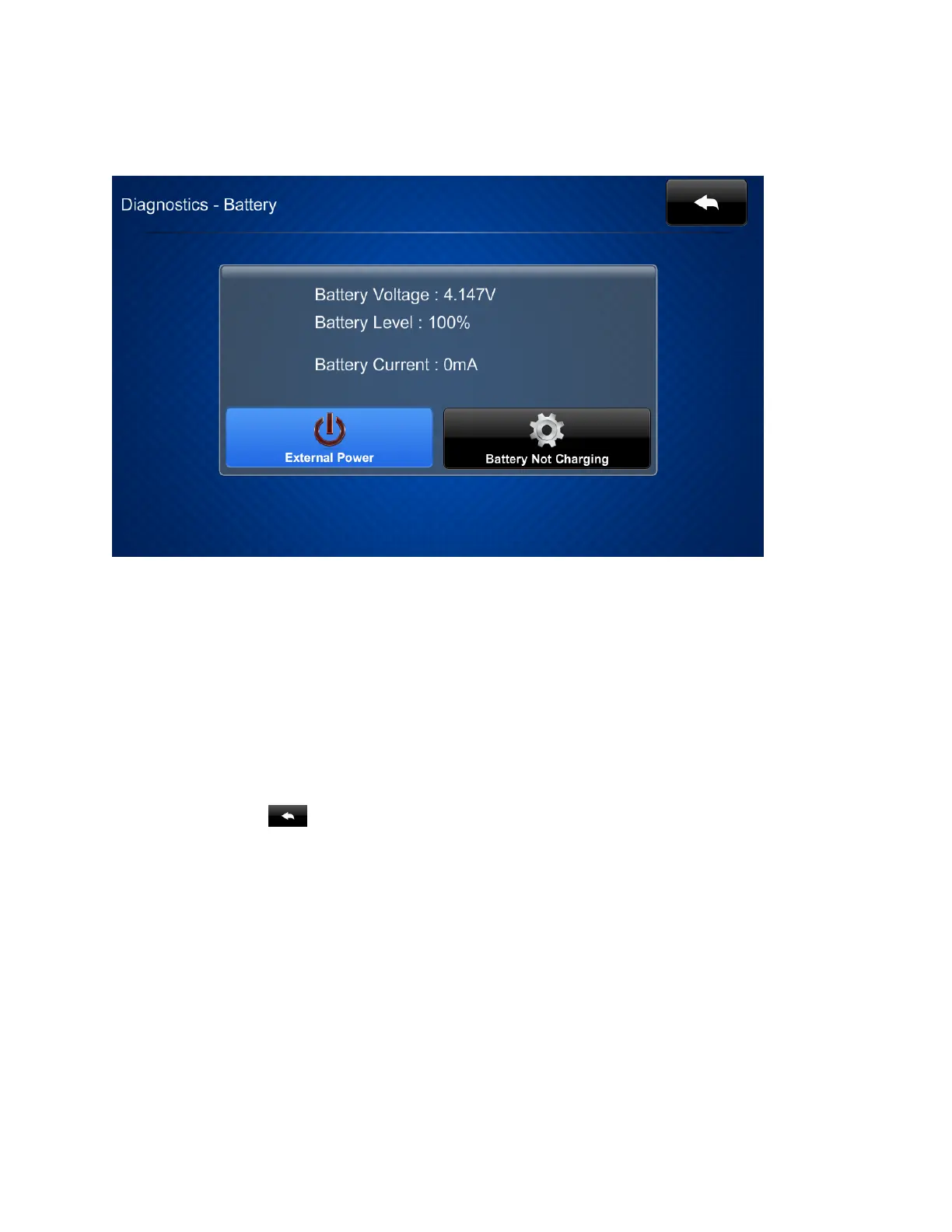
Tap Battery Diagnostics on the Diagnostics screen to display the Diagnostics - Battery screen.
Use the Diagnostics - Battery screen to view the TST-902 battery voltage, charge, and current
levels.
The Diagnostics - Battery screen also indicates the power source and battery charge behavior as
follows:
l
If the TST-902 is receiving external power through a table or wall dock, an External Power
indicator is shown. If the TST-902 is receiving power from its battery, a Battery Power
indicator is shown.
l
If the TST-902 battery is currently charging, a Battery Charging indicator is shown. If the
TST-902 is not currently charging, a Battery Not Charging indicator is shown.
Tap the back button to return to the Diagnostics screen.











 To Next Page