Product Manual — Doc. 7750C TST-902 • 45
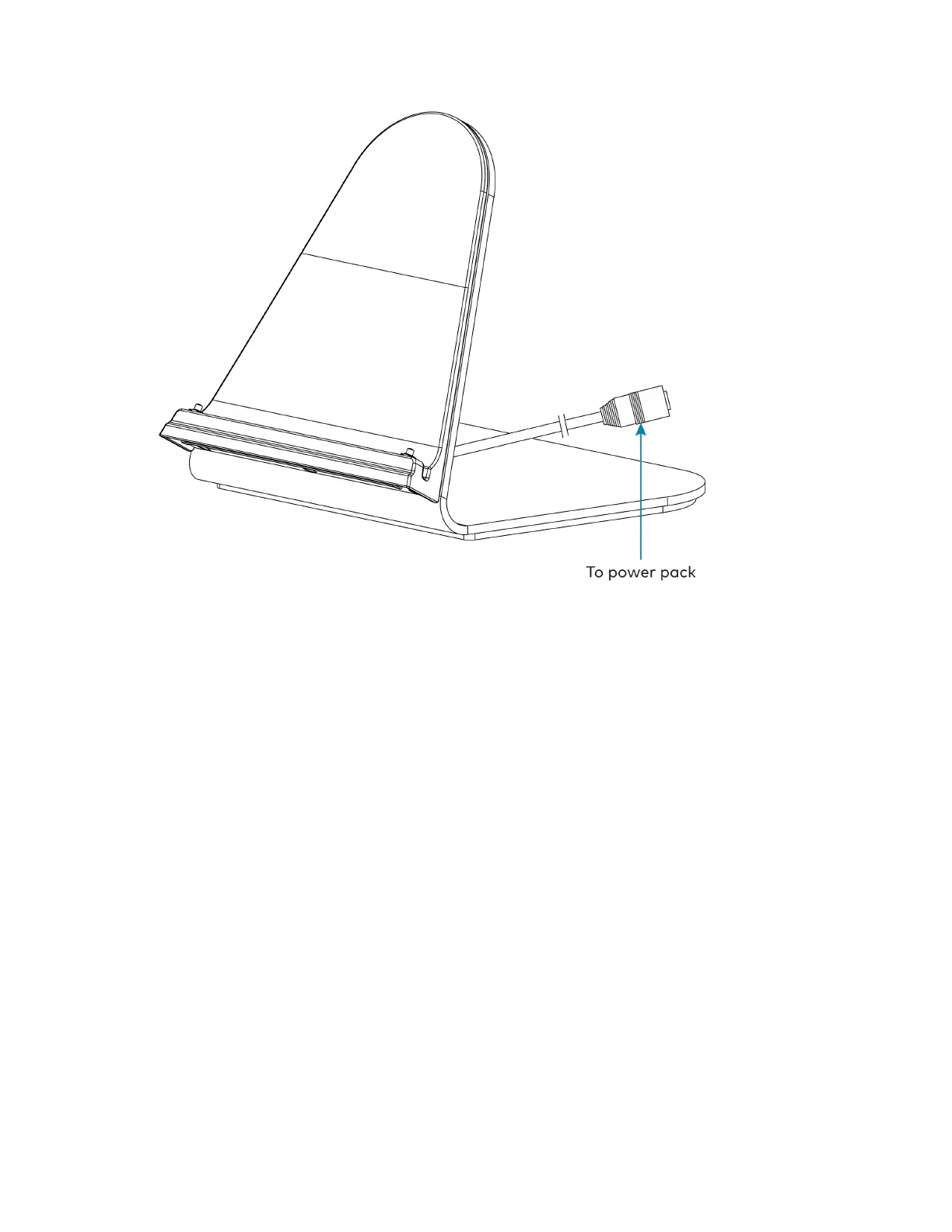
After power has been applied to the TST-902-DS, place the TST-902 touch screen on the
TST-902-DSby aligning its three charging contacts with the bottom of the charging dock. The
touch screen should be seated firmly on the charging dock once attached, and the touch screen
battery will begin to charge.











 To Next Page