Product Manual — Doc. 7750C TST-902 • 51
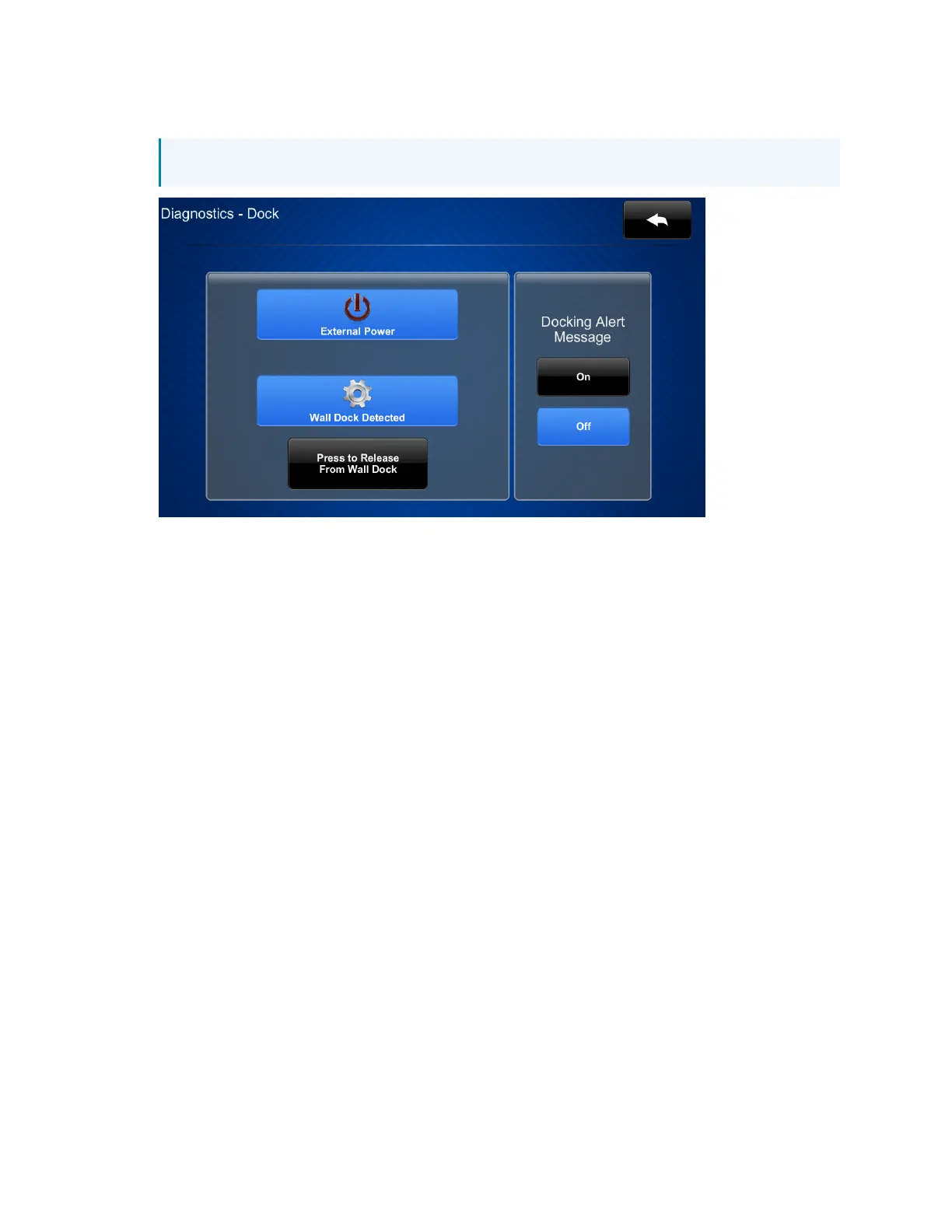
2. Navigate to Diagnostics >DockTest. The Diagnostics - Dock screen is displayed.
NOTE:Both the External Power and Wall Dock Detected icons should be active.
3. Tap Press to Release From Wall Dock. The cradle will open automatically so that the touch
screen can be removed.
In the event of a power failure, the touch screen can be unlocked and removed from the
TST-902-DSWmanually.
1. Insert the provided release lock key into the gap between the top of the touch screen and
the TST-902-DSW. Ensure that the machined text on the key is facing upward.
2. Rotate the key downward as shown in the following illustration.











 To Next Page