Product Manual — Doc. 7750C TST-902 • 69
4. Choose a mounting location that is free of any wiring, studs, or other obstructions. Make a
small hole in the drywall near the center of the chosen location to verify that it is suitable
for mounting.
5. Using a drywall saw (or equivalent), a level, and the provided cutout template, create a
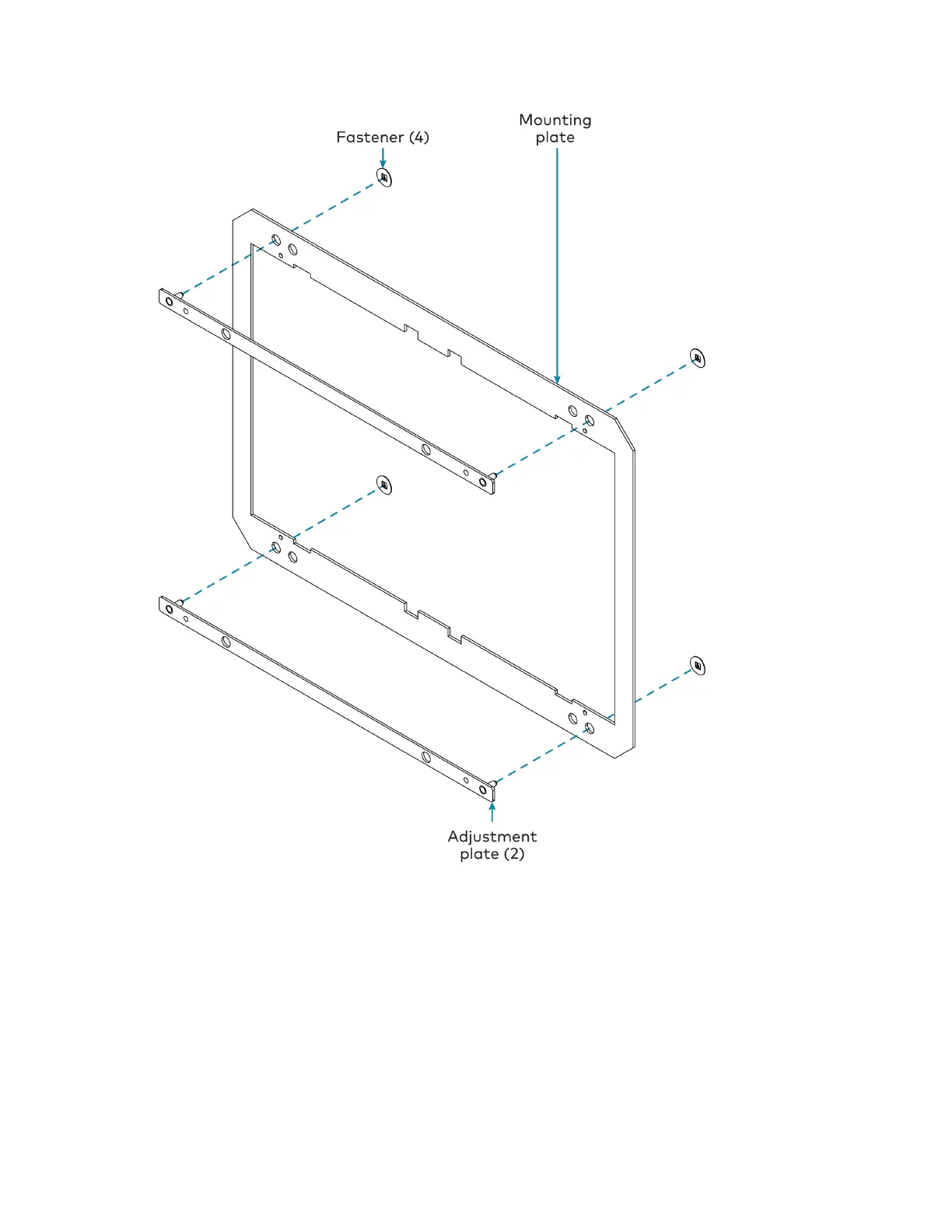
cutout in the drywall for the mounting hardware. Refer to the illustration in Prepare for
Installation on page 66 for cutout dimensions.











 To Next Page