Chapter 4 Adding Module
12
Chapter 4. Adding Module
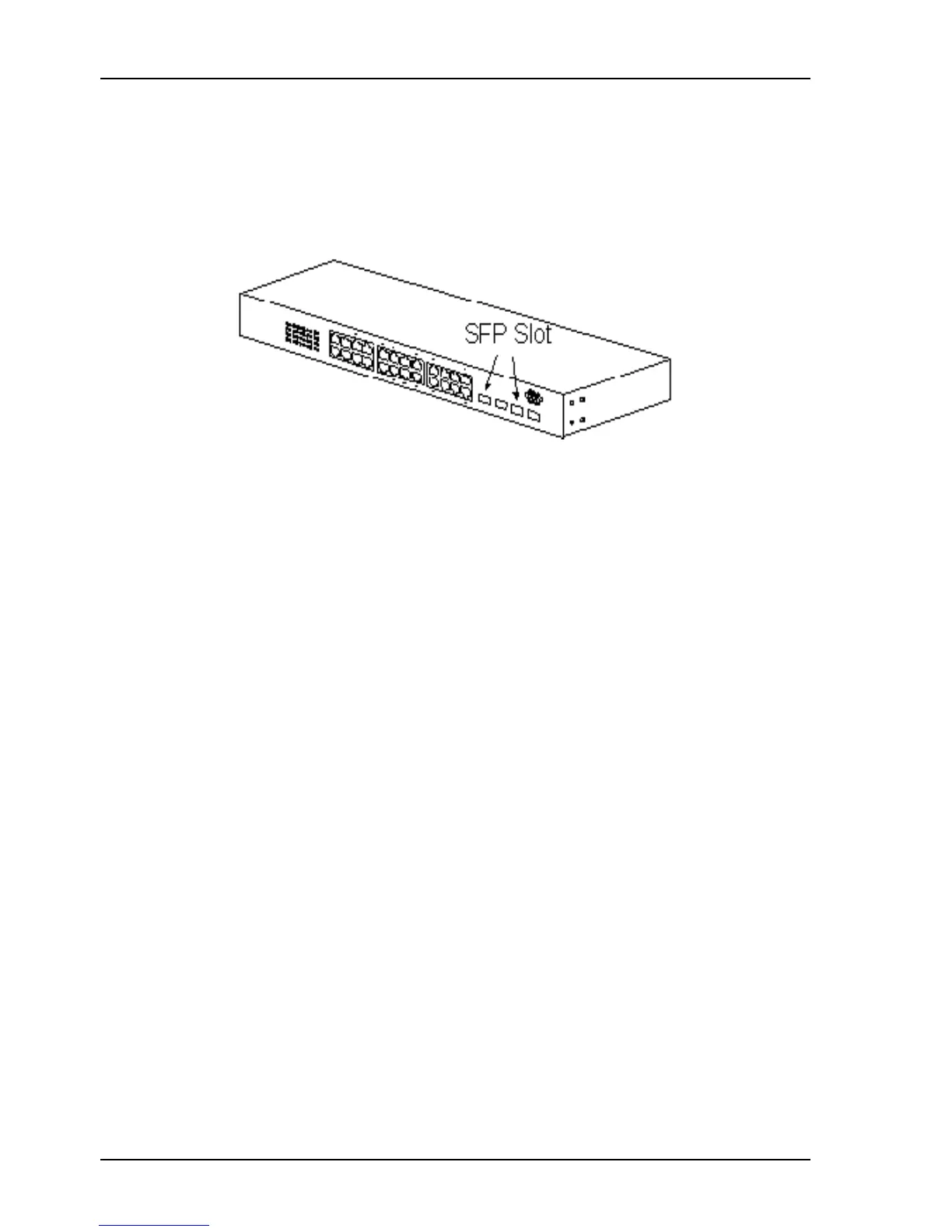
This switch supports SFP (for 1000SX/LX/…) modules for gigabit ports. Because SFP slots support hot-swap
function, you can plug/unplug the SFP transceiver to/from the SFP slot directly. The switch can auto-detect the
gigabit connection from SFP slot.
Follow the steps for module adding and removing.
[ Add SFP Transceiver ]
1. Plug in the SFP Transceiver to SFP slot directly.
2. Connect network cable to the SFP Transceiver. If the connected devices are working, the Link/Act LED will be
ON.
[ Remove SFP Transceiver ]
Unplug the SFP Transceiver from SFP slot directly.


 To Next Page
 Loading...