JetScan iFX
®
i100 Scanner
All Models
SET/RESTORE DEFAULTS
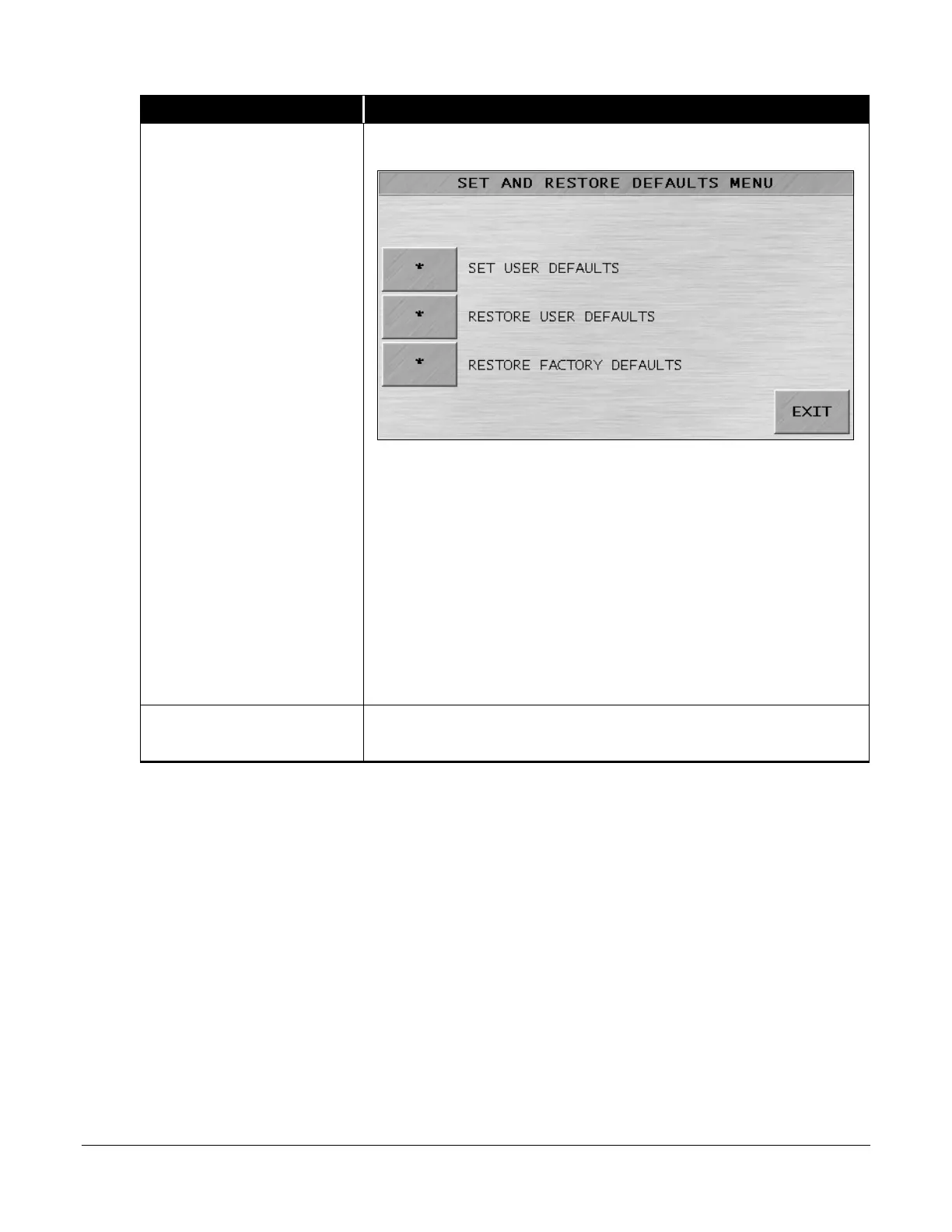
Prompts the SET AND RESTORE DEFAULTS MENU shown below.
The machine has factory-default settings and user-default settings.
Factory defaults are permanent settings that cannot be changed. User
defaults, such as setup parameters, can be defined, saved and retrieved
by operators.
Press
to set up and then save the machine’s current
settings as the user default.
Press
to return machine settings to the user
default.
Press
to return machine settings to the
factory-default settings (all communication ports
, all modes active,
all keys ON, ADD key OFF, and sub-batch OFF).
UPDATE SOFTWARE
Setting for use by trained Cummins Allison service personnel only.



 To Next Page
 Loading...
