© 2013 Cummins-Allison Corp.
Adjustment Menu
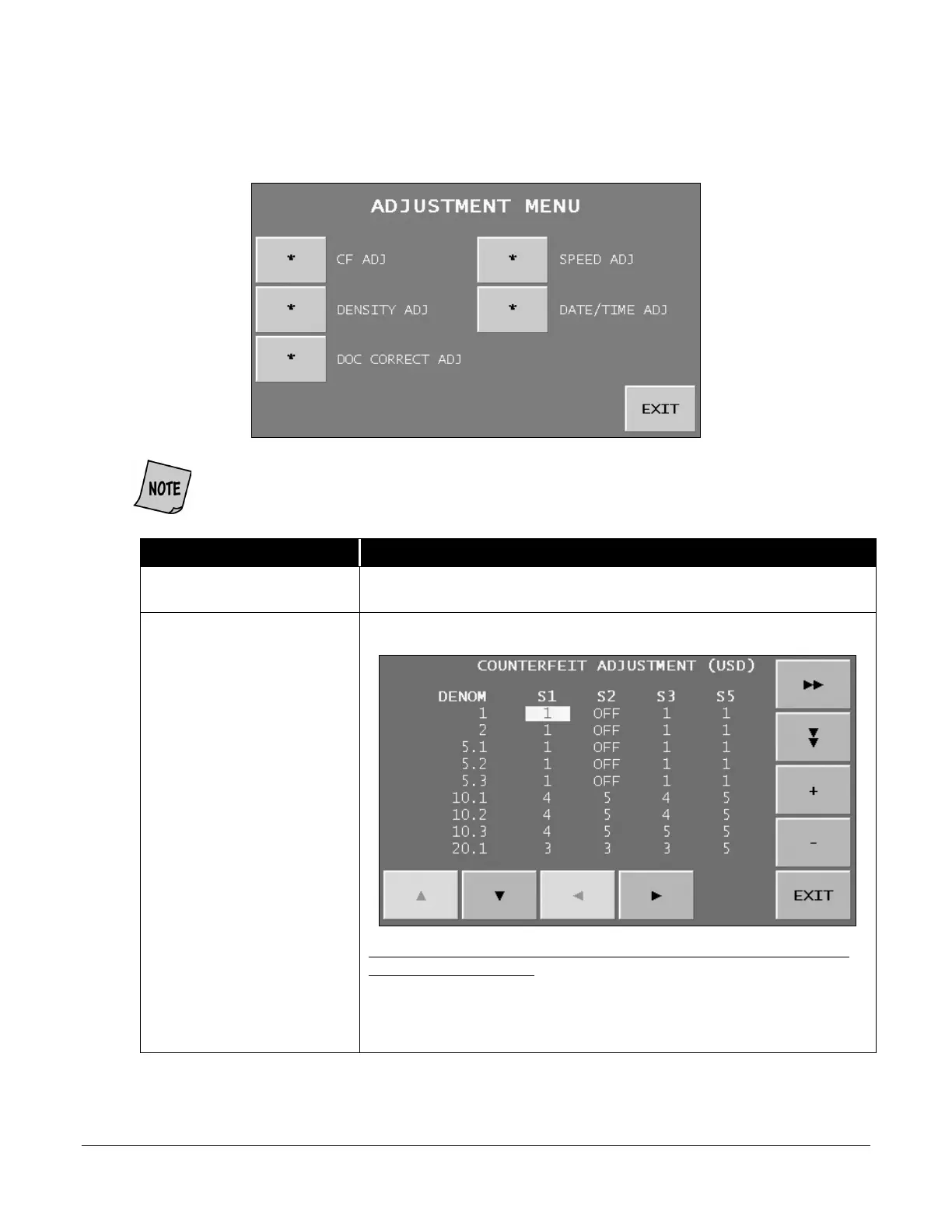
Pressing ADJUSTMENT MENU on the MAIN SUB-MENU prompts the ADJUSTMENT MENU
below.
EXIT
Press
to return to the MAIN SUB-MENU.
CF ADJ
(Counterfeit Adjustment)
Prompts the COUNTERFEIT ADJUSTMENT screen shown below.
To set sensitivity levels for UV, fluorescence and magnetics for individual
denominations by series:
1. Press or to move the cursor to the desired denomination. The
first digit indicates the denomination. The digit after the decimal
indicates the series.
DOC CORRECT ADJ is only available on machines with imaging options activated
(serial-number, check or ticket capture).


 To Next Page
 Loading...

