7
GenesisPlus Operator Manual
D1151, R
EV C, 10/16
System Basics
Turning On the System
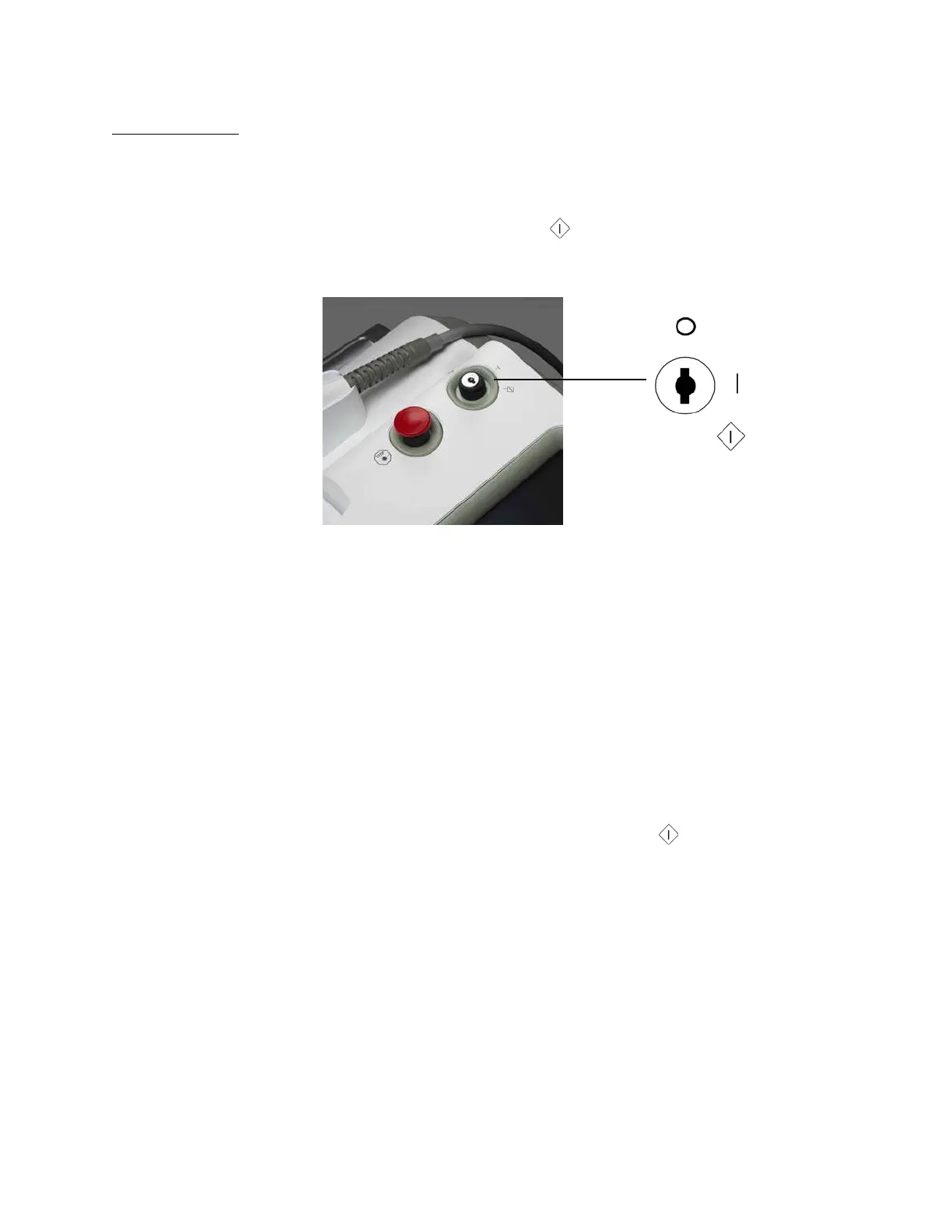
Insert the key in the keyswitch, turn to the (START) position, hold for a full second, and
release. Upon release, the key automatically springs back to the l (ON) position.
Keyswitch
The start-up screen (Cutera name) appears, and the system begins a self-test routine. After
approximately 10-15 seconds, the system emits an audible tone, the self-test message disap-
pears, and the touchscreen displays the Genesis Control Screen. If any fault conditions, advi-
sory messages or error codes appear in the pop-up display during self-test, refer to the
Troubleshooting section of this operator manual.
Restarting the System
To restart the system:
1. Turn the keyswitch to the O (OFF) position.
2. WAIT 5 SECONDS before turning the keyswitch to the (START) position. Release
the key. The system will go through its normal start-up sequence.
Turning Off the System
Under normal operating conditions, turn the keyswitch to the O (OFF) position.
NOTE
When the main power cable is connected to the electrical source,
some internal circuits remain energized. To de-energize all the
internal circuits, turn off the main power circuit breaker and discon-
nect the electrical service.



 To Next Page