22
GenesisPlus Operator Manual
D1151, R
EV C, 10/16
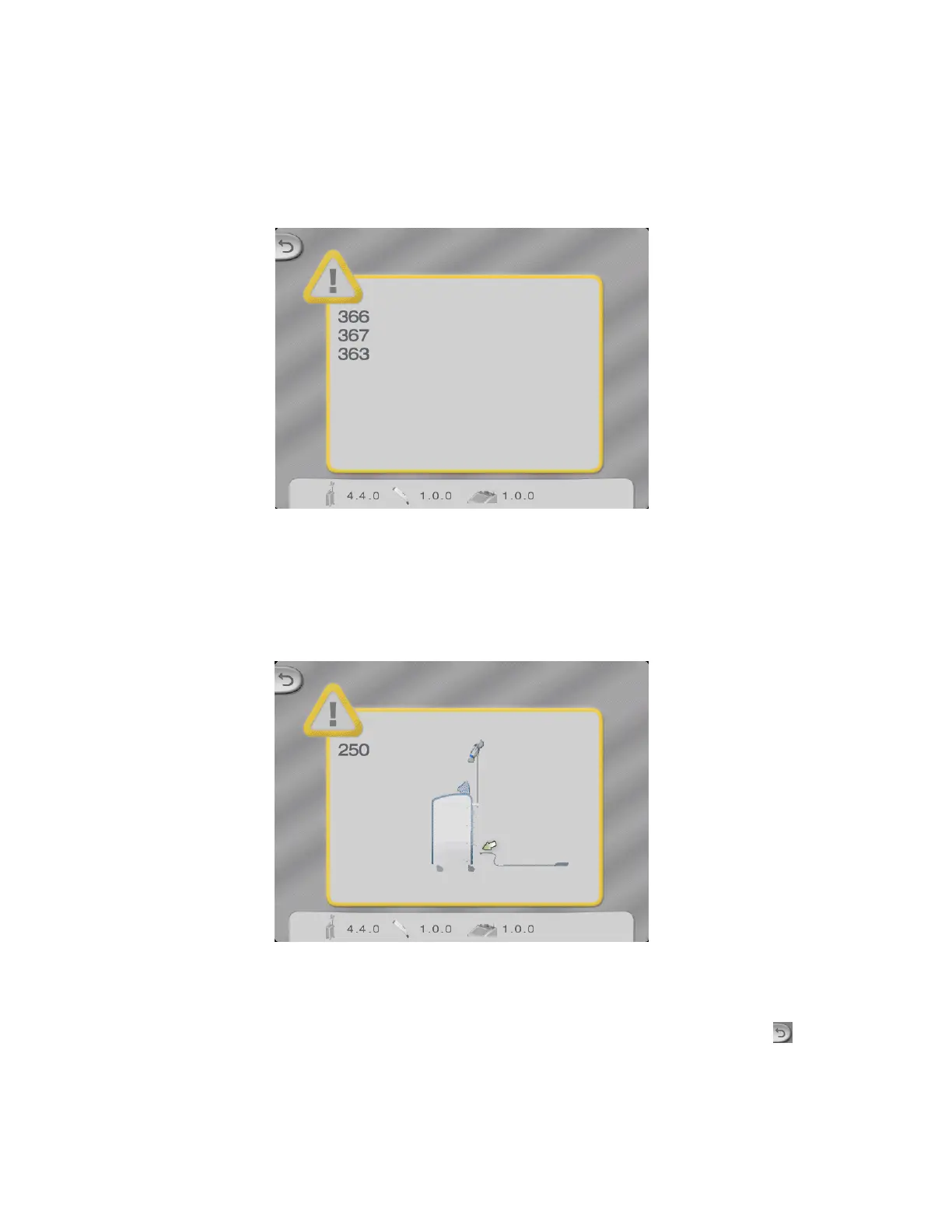
Pop-up Screen
When the system detects an abnormality during self-test or while the system is in READY
mode, a pop-up screen will appear with a corresponding error code(s).
Sample Pop-up Screen with Error Codes
Depending upon the fault detected, some faults will display an animated illustration (e.g., con-
nect footswitch and water low).
“Connect Footswitch” Pop-up Screen
If the error is successfully cleared, the pop-up screen can be cleared by pressing the (back)
button. If the error cannot be cleared, or if the error persists or reappears, note the error code(s)
and contact Cutera Service (refer to Appendix D).



 To Next Page