16
GenesisPlus Operator Manual
D1151, R
EV C, 10/16
Memory Storage
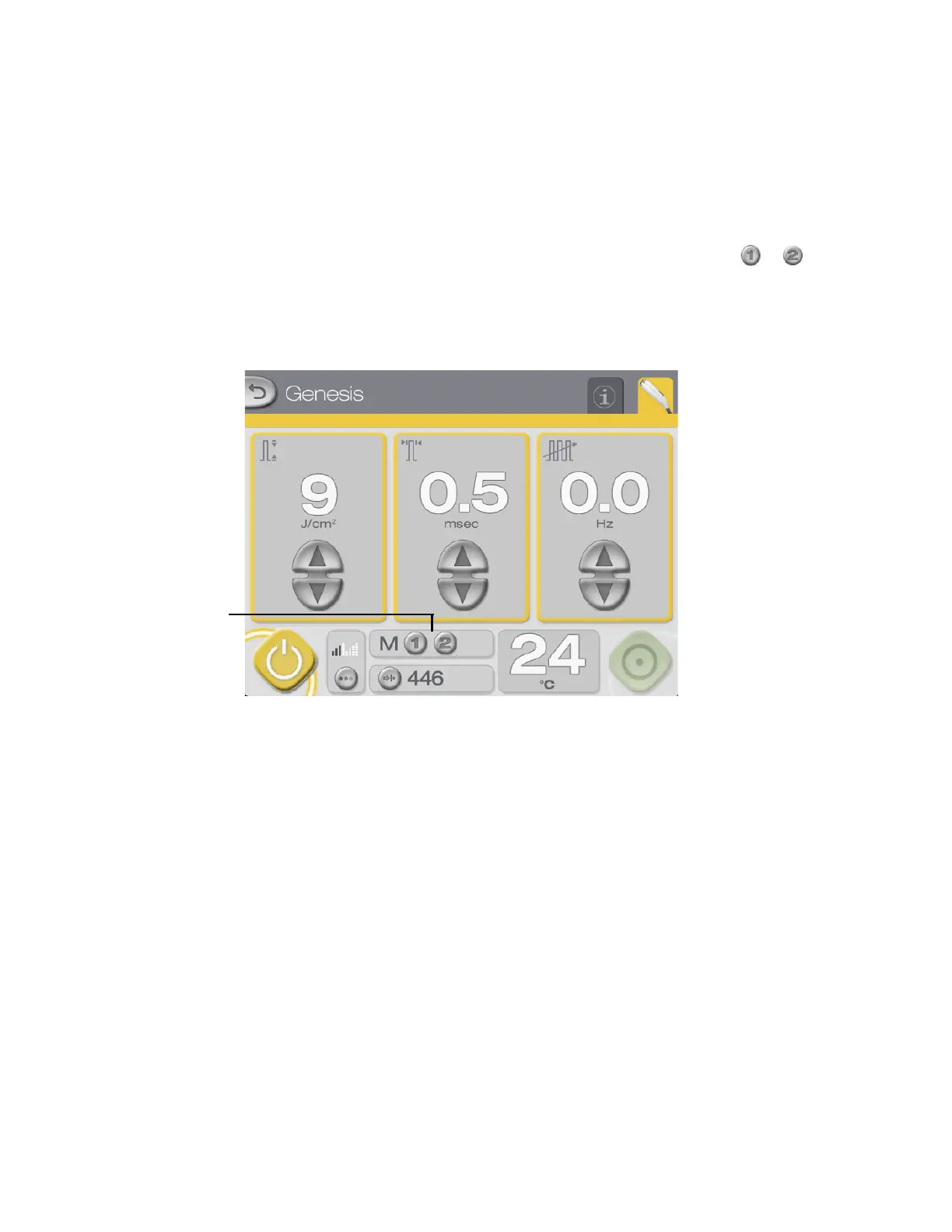
The memory storage feature enables you to store and recall frequently used treatment parame-
ters. There are four memory banks in the memory storage feature, allowing for storage of two
separate sets of treatment parameters in both Genesis and Warts modes.
To store the treatment parameters shown on the display
, press and hold button
or until
the system beeps. Any existing treatment parameters stored in memory will be overwritten
with the new parameters. To recall previously stored settings, press and release either button.
Buttons for storing
and recalling settings



 To Next Page