20
GenesisPlus Operator Manual
D1151, R
EV C, 10/16
Audible Tones
The GenesisPlus system emits an audible tone with every control screen selection, when an
error condition has occurred, as well as at set exposure intervals. Additionally, an audible laser
emission tone is generated during treatment exposure.
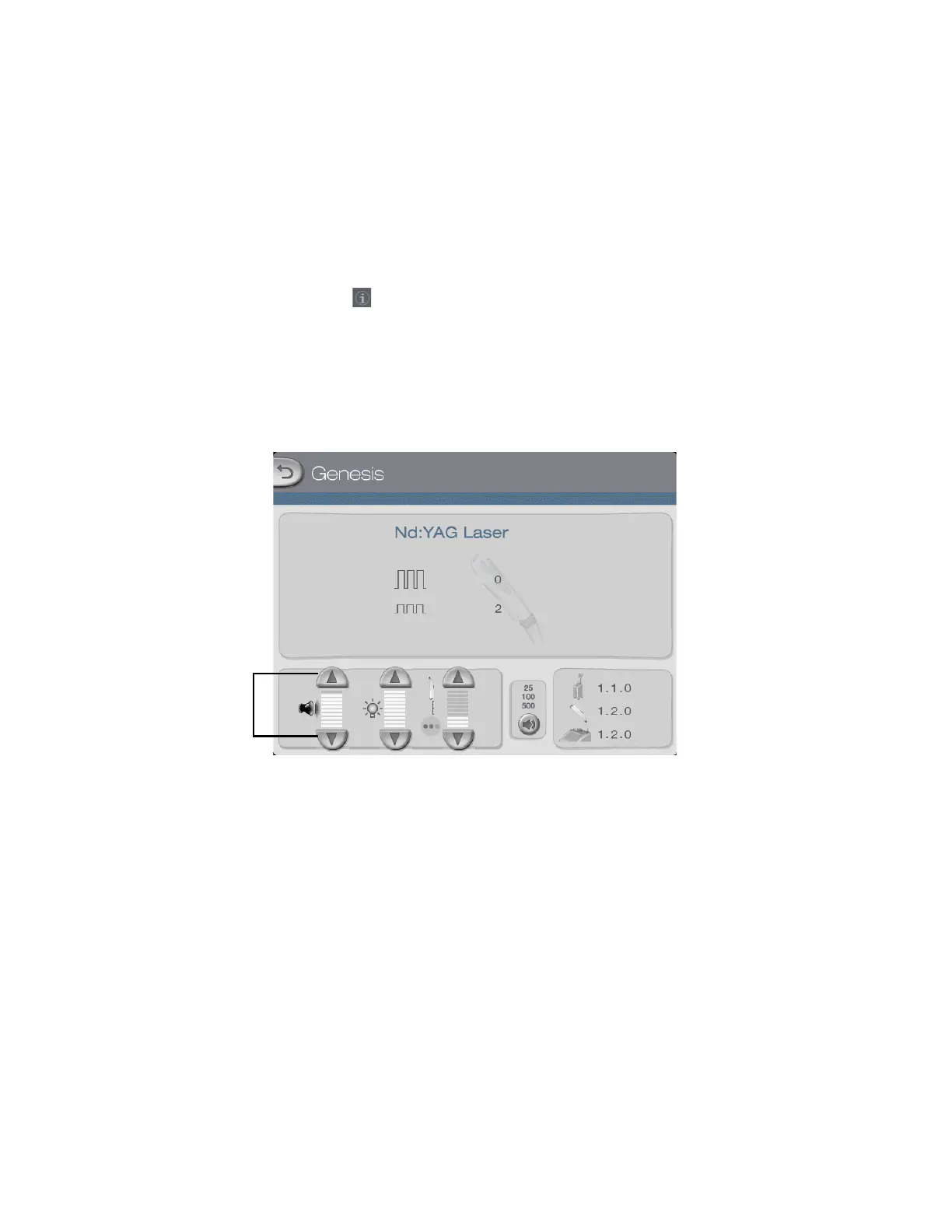
The volume of audible tones can be increased from the minimum setting up to a setting where
the tones can be clearly heard over the system sound level. To adjust the volume of audible
tones, press the tab on the Genesis or Warts Control Screen to go to the Information &
Adjustment Screen.
NOTE
The volume of audible tones cannot be muted.
Controls for adjusting
volume of laser emission
indicator and other
audible tones



 To Next Page