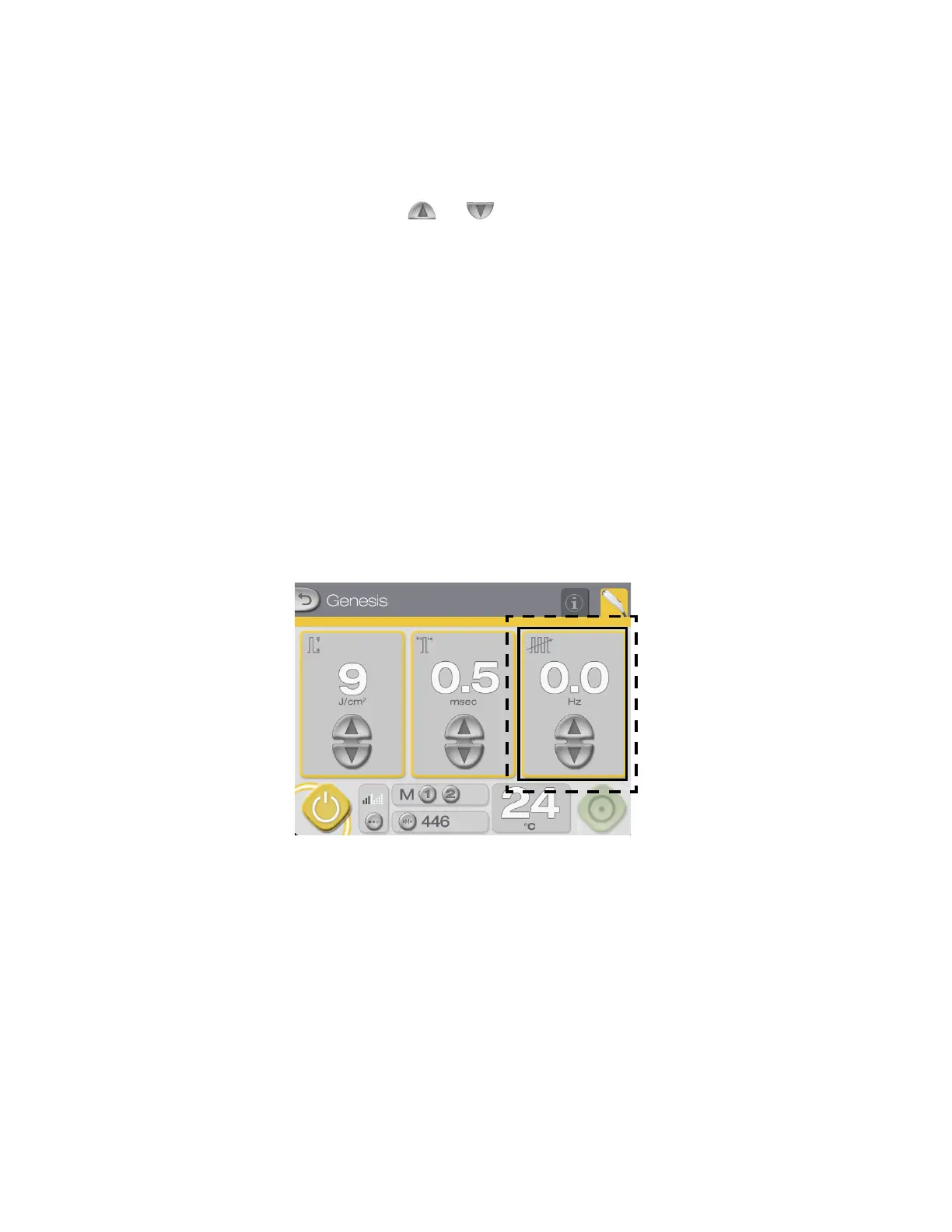
Repetition Rate Controls/Display on Genesis Control Screen
26
GenesisPlus Operator Manual
D1151, R
EV C, 10/16
Selecting the Repetition Rate (Genesis mode only)
Repetition rate refers to the number of fluence pulses delivered per second and is measured in
hertz (Hz). Repetition rate determines the speed at which you work. Select the desired repeti-
tion rate by pressing the and buttons below the “Hz” display.
NOTE
Laser parameters are interrelated. Therefore, not all combinations
of fluence, pulse width and repetition rate settings are simultane-
ously available. If you attempt to select a fluence, pulse width or
repetition rate setting that is not available, the system emits a dis-
tinct audible tone. Changing one or both of the other parameters
may enable you to select the desired treatment setting.
NOTE
There is no repetition rate setting in Warts mode, because the treat-
ment of warts typically requires only a few laser exposures. After
each
exposure, observe the tissue response before proceeding.



 To Next Page