12
GenesisPlus Operator Manual
D1151, R
EV C, 10/16
System Status: STANDBY and READY Modes
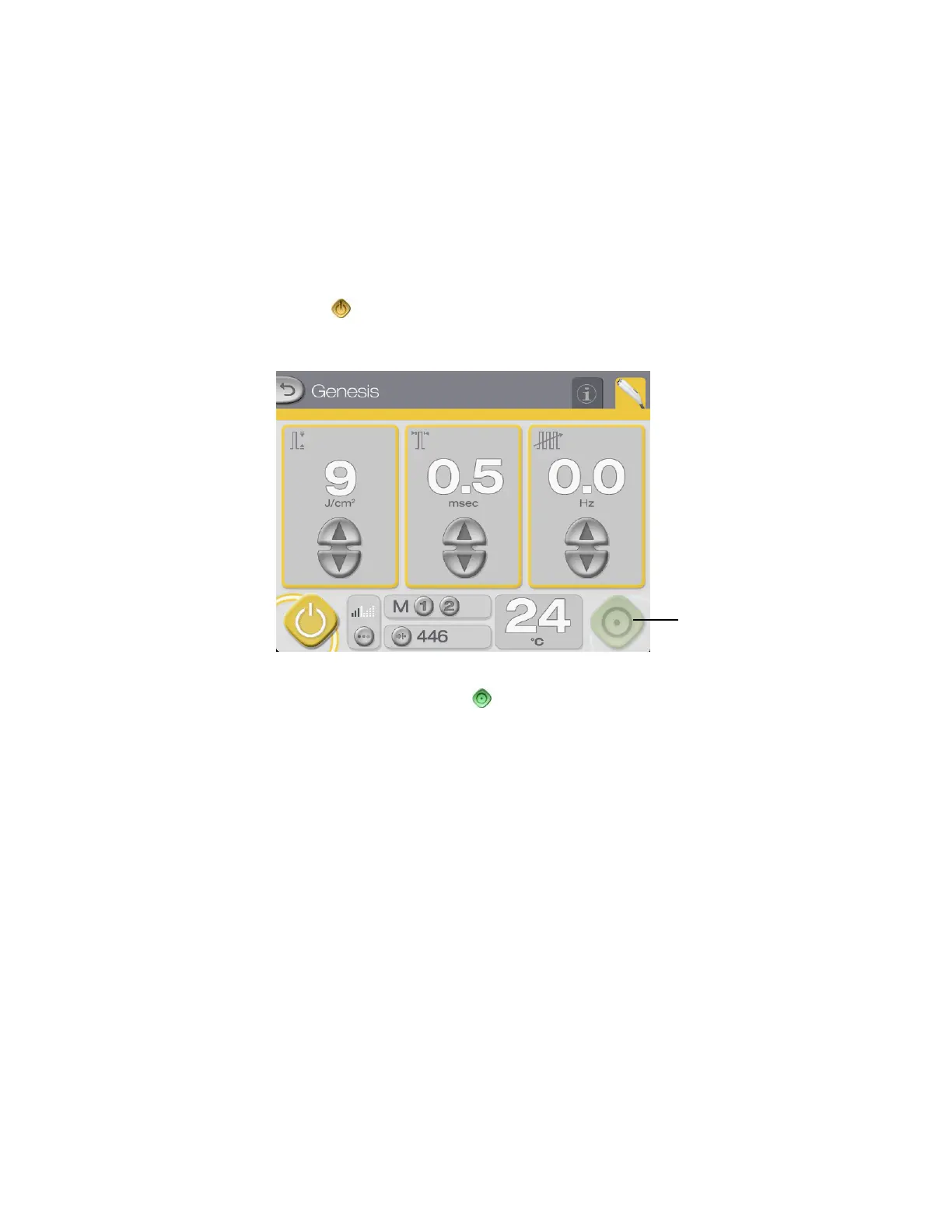
The system automatically goes into STANDBY mode at system start-up. In STANDBY mode:
• the footswitch is disabled
• the internal safety shutter is closed
• the treatment, aiming and working distance beams are not available
• the temperature sensor and LED temperature indicators are functional
• the (standby) button and the borders around the treatment parameter displays are
highlighted in yellow
Press to go to
READY mode
To select READY mode, press the (ready) button.



 To Next Page