21
GenesisPlus Operator Manual
D1151, R
EV C, 10/16
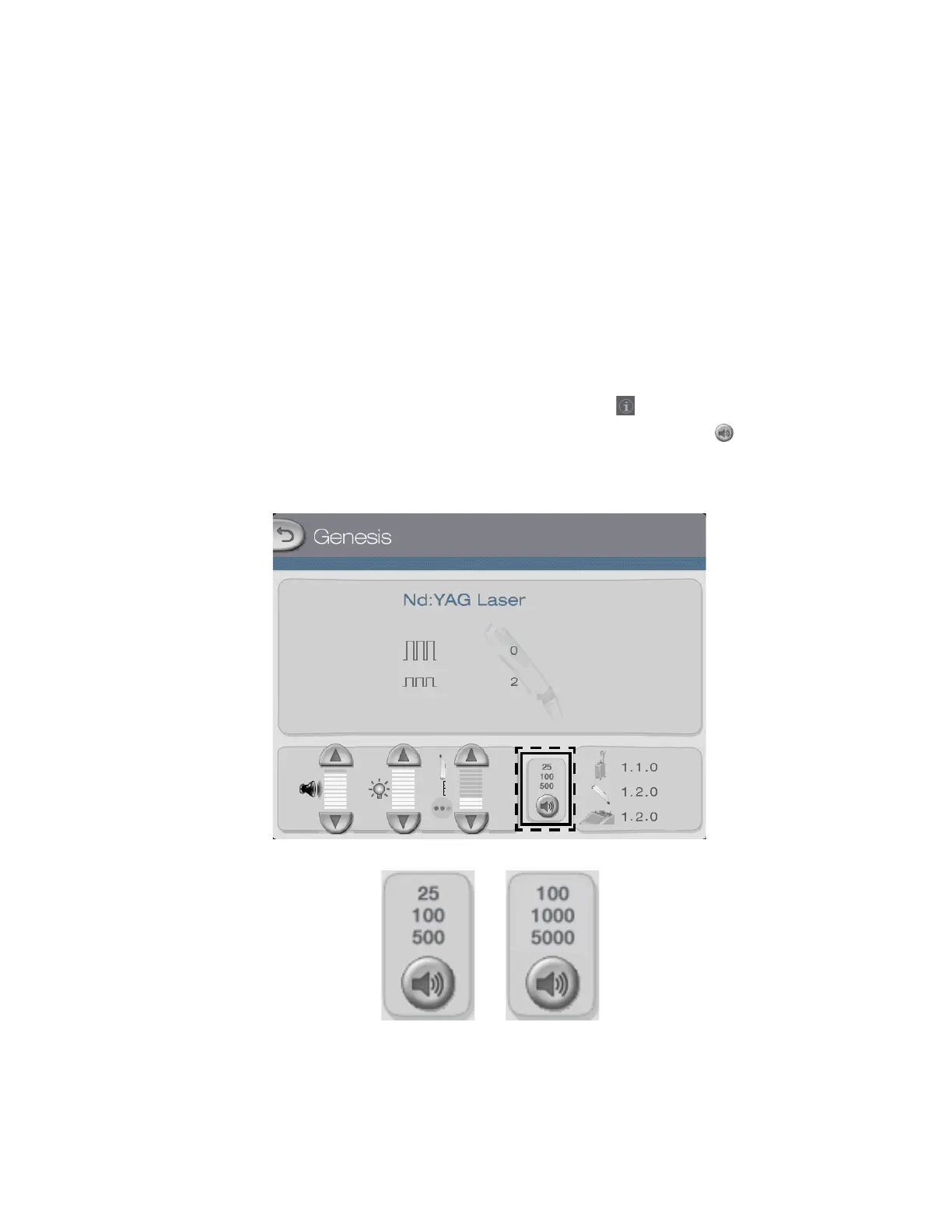
Audible Pulse Counter
The GenesisPlus system emits three distinct audible tones that correspond with user-selected
pulse intervals. There are two pulse interval settings: 25/100/500 and 100/1000/5000.
When the 25/100/500 setting is selected, the system emits a distinct tone when it reaches mul-
tiples of 25 pulses, a second distinct tone when it reaches multiples of 100 pulses and a third
distinct tone when it reaches multiples of 500 pulses.
When the 100/1000/5000 setting is selected, the system emits a distinct tone when it reaches
multiples of 100 pulses, a second distinct tone when it reaches multiples of 1000 pulses and a
third distinct tone when it reaches multiples of 5000 pulses.
To select the audible pulse counter interval, press the tab on the Genesis or Warts Control
Screen to go to the Information & Adjustment Screen, then press the button to select the
desired interval.
or



 To Next Page