12D-Link DSL-520B ADSL2+ Modem User Manual
Section 6 - Quick Setup
Log in to the Modem
Thissectionwillexplainhowtologintoyourmodemusingthefollowingsteps:
1. Launch your web browser.
2.EntertheURLhttp://192.168.1.1intheaddressbarandpressEnter.
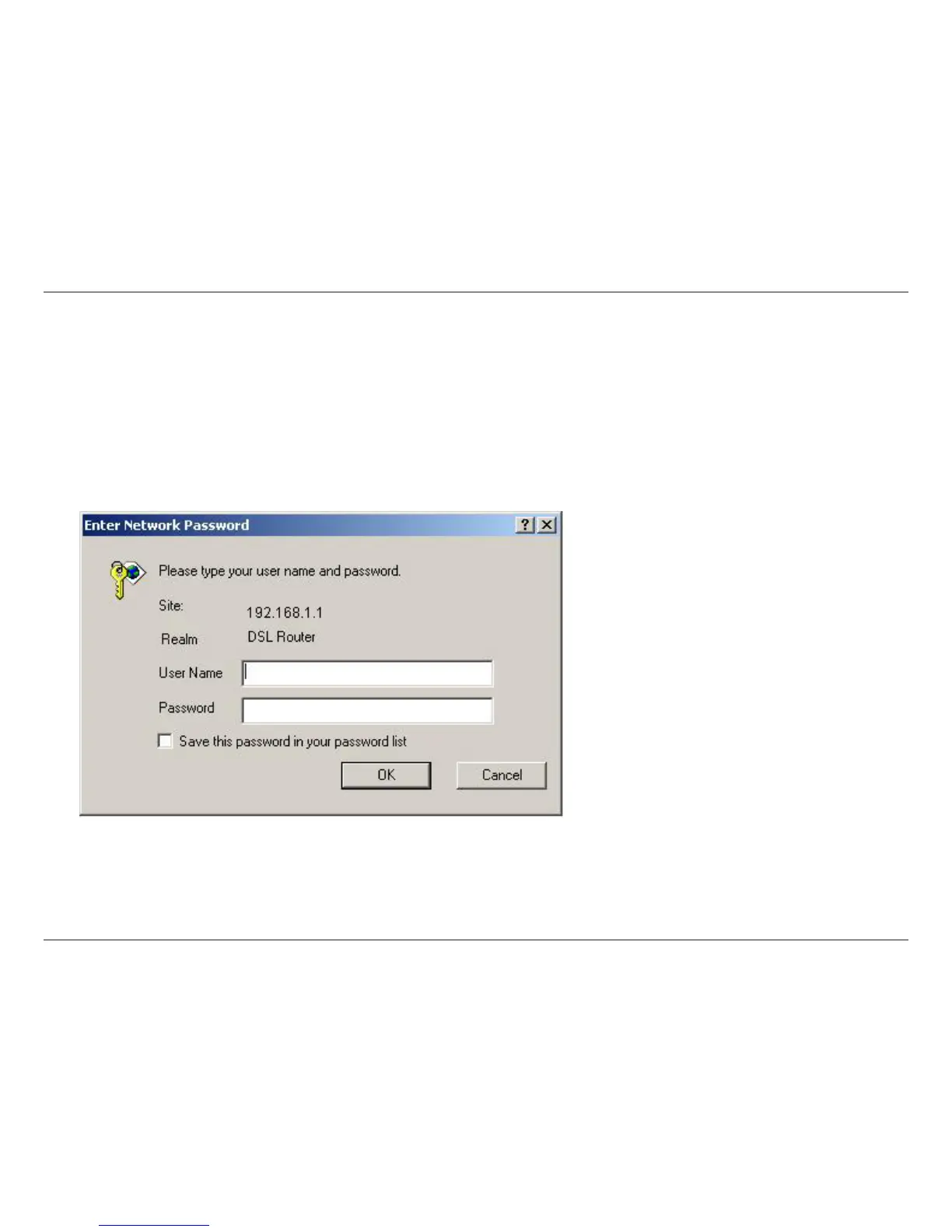
A login screen like the one below will be displayed after you connect to the user interface.
3.Enteryourusernameandpassword,andthenclickOK to display the user interface.
Note: Use admin/admin as a default for
username and password.
• The admin account can perform all
functions
(username/password:admin / admin).
Note: Passwords can be changed at any
time.
Note: This manual has been prepared using the admin user name.



 To Next Page