70D-Link DSL-520B ADSL2+ Modem User Manual
Section 11 - Management
System Log
Click View System Log to show the following interface. The system log dialog allows you to view the system log and congure the system log options.
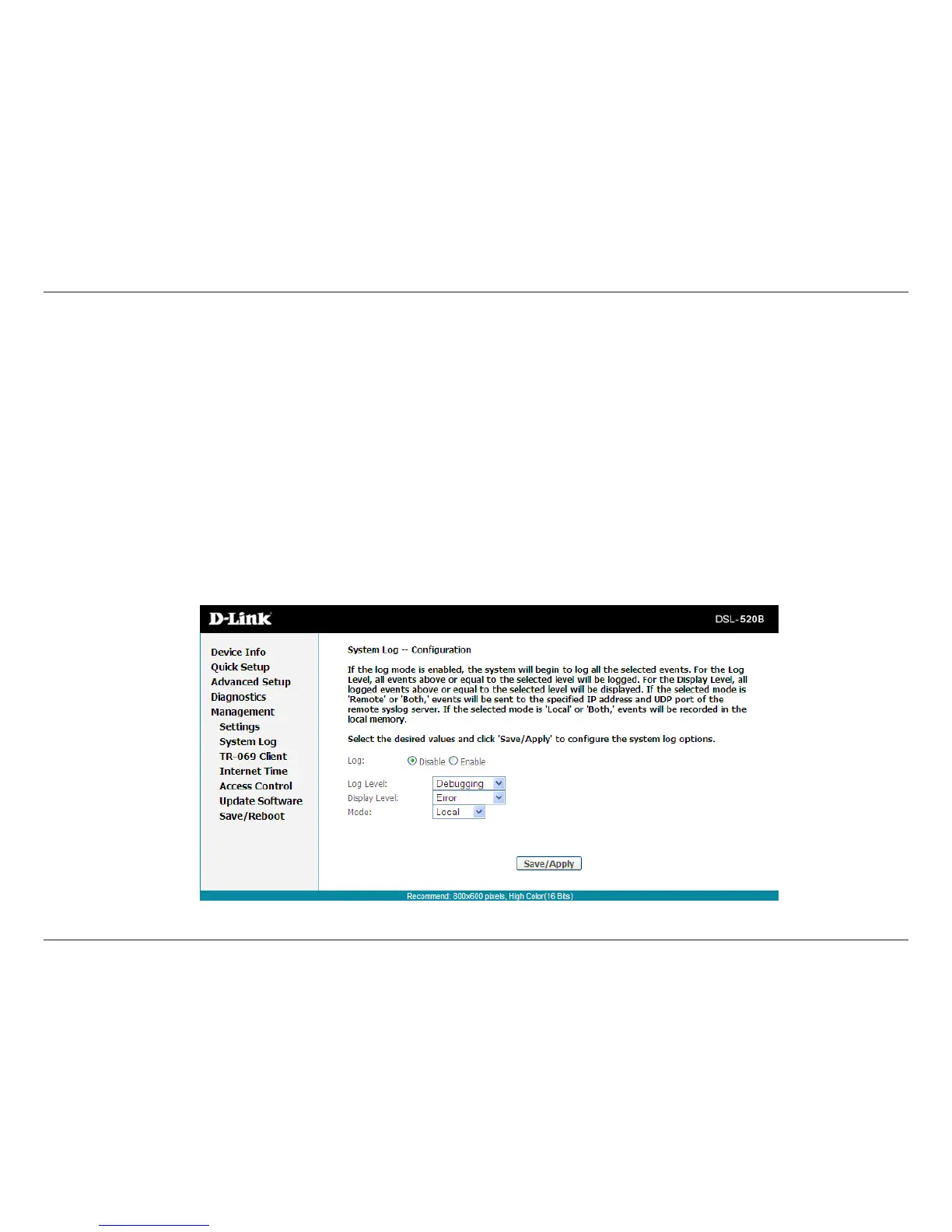
Click Congure System Log to show the following interface. You can enable or disable the system log and then select the Log Level,Display Level
and Mode,andclickApply to end your congurations.
Both the log level and display level have eight choices. The default log level is Debugging and the default display level is Error. The mode options
are Local,Remote,andBoth. The default is Local.
If you select Remote or Both,alleventsaretransmittedtothe
specied UDP port of the specied log server.



 To Next Page