6D-Link DSL-520B ADSL2+ Modem User Manual
Section 1 - General Information
1
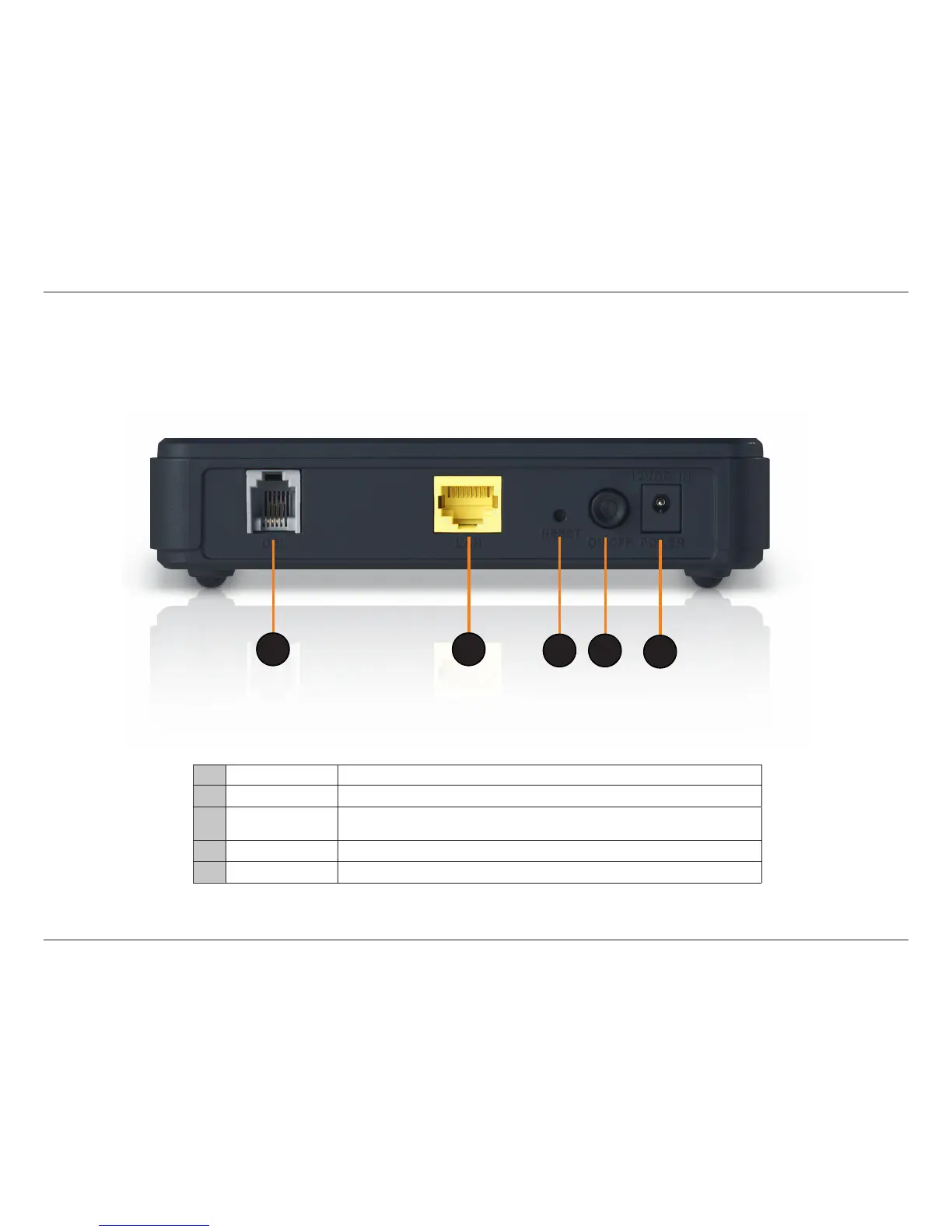
DSL Line
• Connecttoanactivetelephoneline(RJ-11).
2
LAN Port • ConnectEthernetdevicessuchascomputers,switches,andhubs.
3
Reset
• Pressing the Reset button for 5 seconds restores the modem to its original factory
default settings.
4
ON/OFF • Press this button to turn the unit ON or OFF.
5
Power Receptor • Receptor for the supplied power adapter.
Rear Panel View
1
2
3
4
5



 To Next Page