52D-Link DSL-520B ADSL2+ Modem User Manual
Section 9 - Advanced Setup
QoS Conguration
ThequeuinginpacketQoSgoesintoeectonlywhenapacketisforwardedtoaQoS-enabledPVC.Packetforwarding
isdeterminedbyIProutingorbridging,notundercontrolofthepacketQoS.
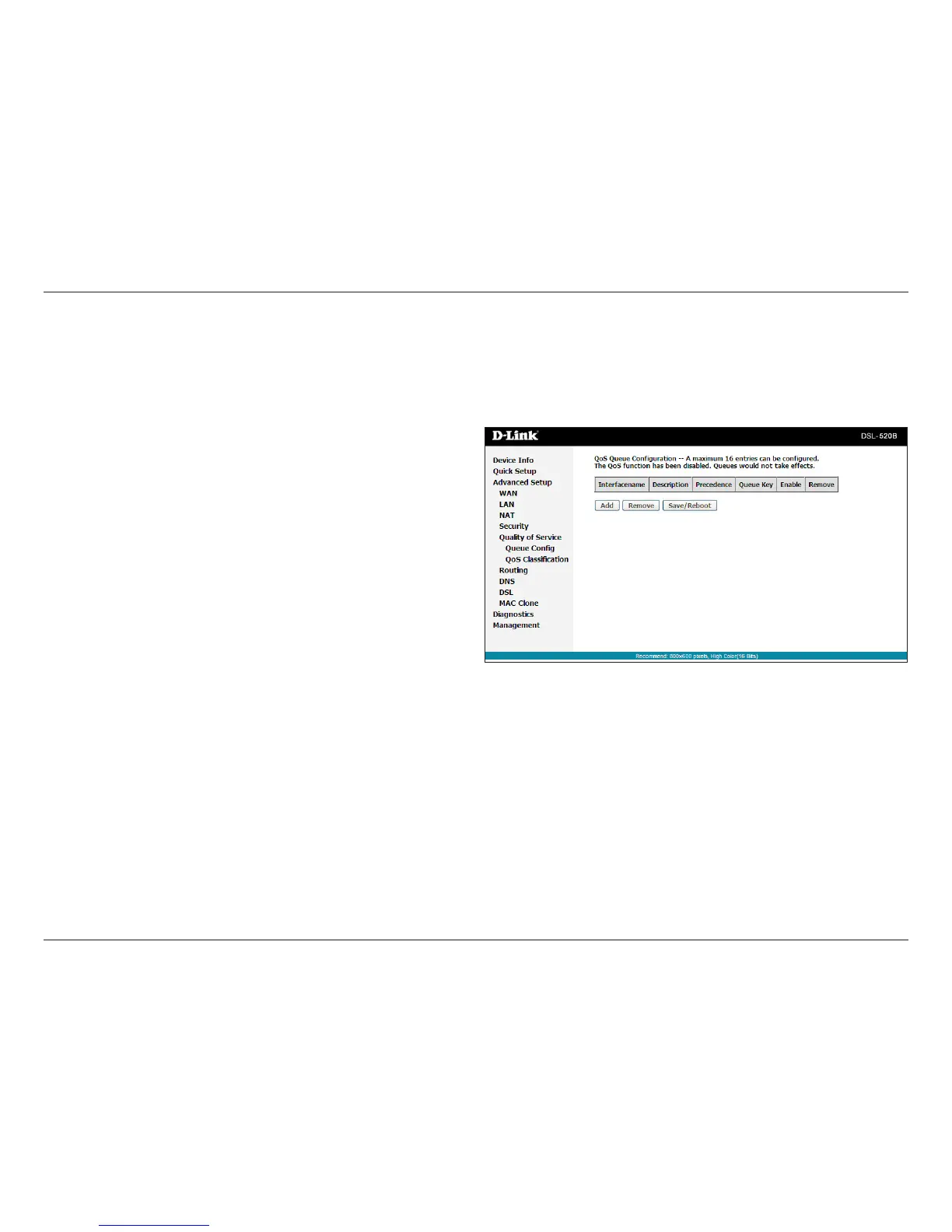
Click Queue Cong,andthefollowingpagewillappear.Inthispage,you
cancongureQoSqueue.Amaximumof16entriescanbecongured.
QoSQueueCongurationcanallocatefourqueues.Eachofthequeues
can be congured for a precedence value (Lower integer values for
precedenceimplyhigherpriorityforthisqueuerelativetoothers).The
queueentryconguredisusedbytheclassiertoplaceingresspackets
appropriately.
Note: Lower integer values for precedence imply higher priority for this
queuerelativetoothers.
Forexample,addaQoSqueueentryandallocateittoaspecicnetwork
interface(PVC0/0/35).Setintegervaluesforqueueprecedenceto1.



 To Next Page