49D-Link DSL-520B ADSL2+ Modem User Manual
Section 7 - Device Info
Parental Control
Click Security > Parental Control.
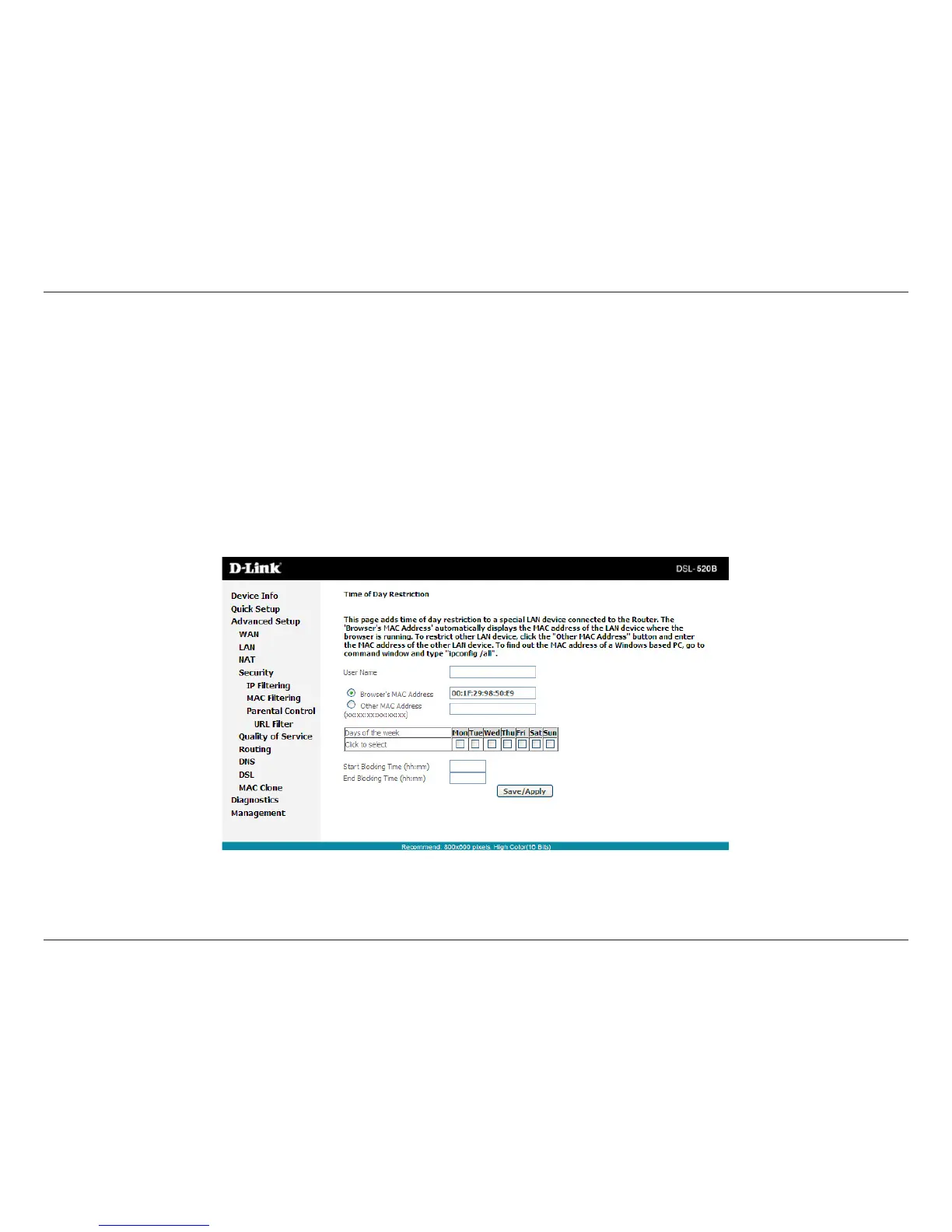
Click Add and the following page will appear.
Onthispage,youcanaddtimeofdayrestrictiontoaparticularLANdeviceconnectedtotheRouter.TheBrowser’sMACAddress
automaticallydisplaystheMACaddressoftheLANdevicewherethebrowserisrunning.TorestrictotherLANdevice,click
Other MAC Address and enter the MAC address of the another LAN device. To obtain the MAC address of a Windows based
PC,enteripcong/allintheDoSwindow.



 To Next Page