46D-Link DSL-520B ADSL2+ Modem User Manual
Section 7 - Device Info
Outgoing
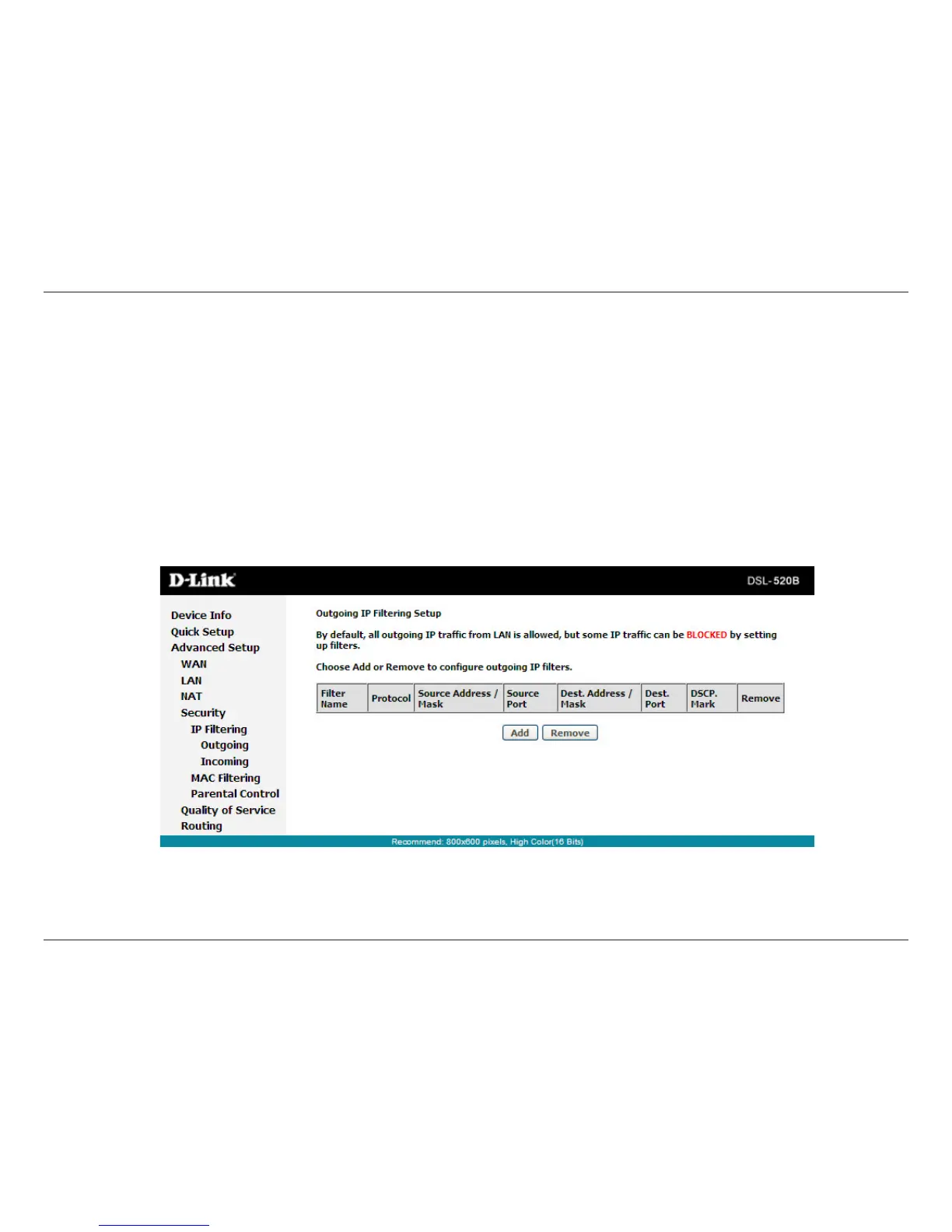
Click Security > IP Filtering > Outgoing and the following page will appear.
Bydefault,alloutgoingIPtracfromLANisallowed,butsomeIPtraccanbeblockedbysettinguplters.
Click AddandthepagefordeningtheIPlteringruleappears.Inthispage,youcancreatealterruletoidentifyoutgoing
IPtracbyspecifyinganewlternameandatleastonecondition.Allspeciedconditionsinthelteringrulemustcomply
with the rule to take eect.
Click Save/Apply to save and activate the lter.



 To Next Page