71D-Link DSL-520B ADSL2+ Modem User Manual
Section 11 - Management
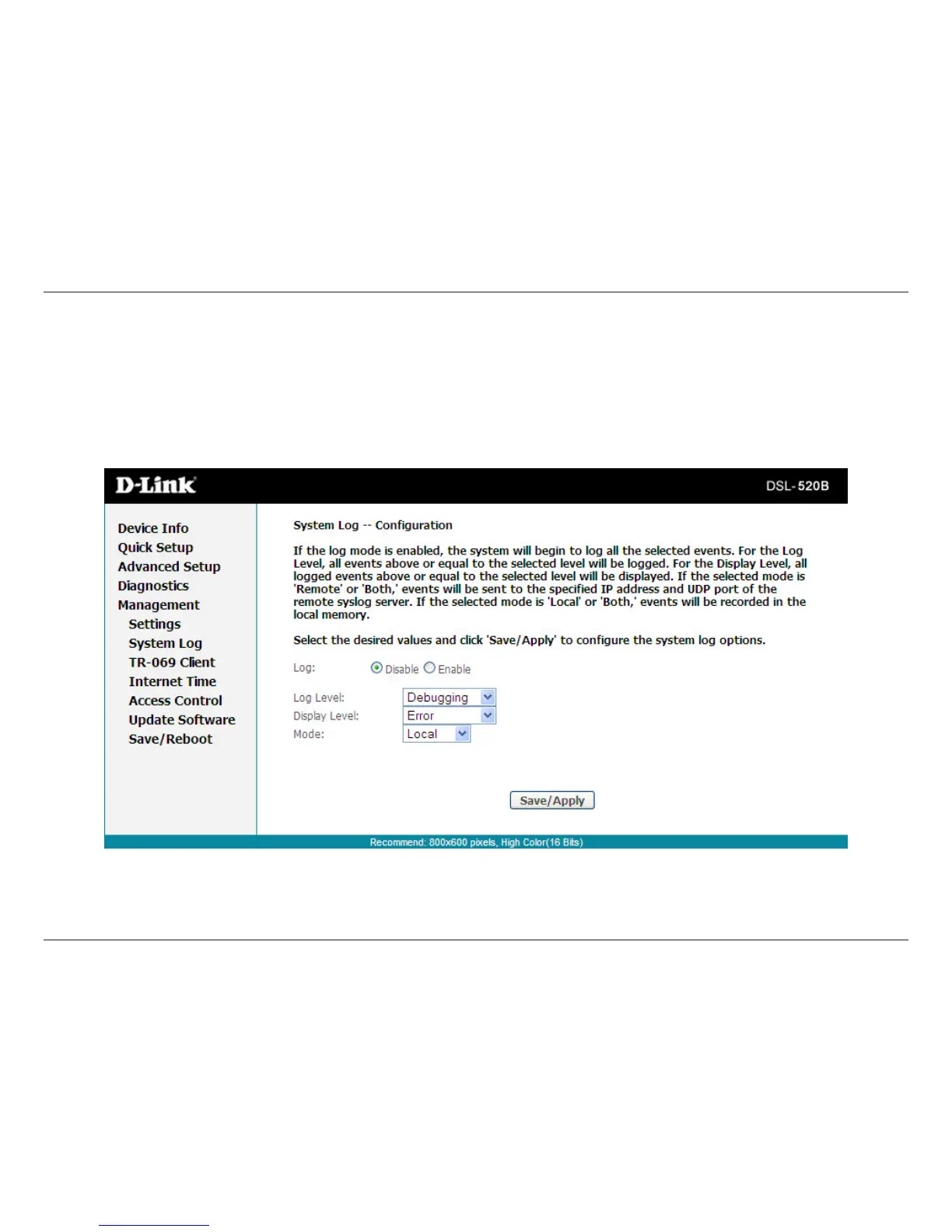
Fromthecongurationscreen,setthelogtoEnable,selecttheLogLevel,DisplayLevelandMode.Iftheselectedmodeis“Remote”or“Both”,events
willbesenttoaspeciedIPaddressandUDPportofaremotesystemlogserver.Iftheselectedmodeis“Local”or“Both”,eventswillberecorded
and viewed locally. Select the desired values and click Apply to save the system log options.
System Log Conguration



 To Next Page