27D-Link DSL-520B ADSL2+ Modem User Manual
Section 9 - Advanced Setup
Advanced Setup
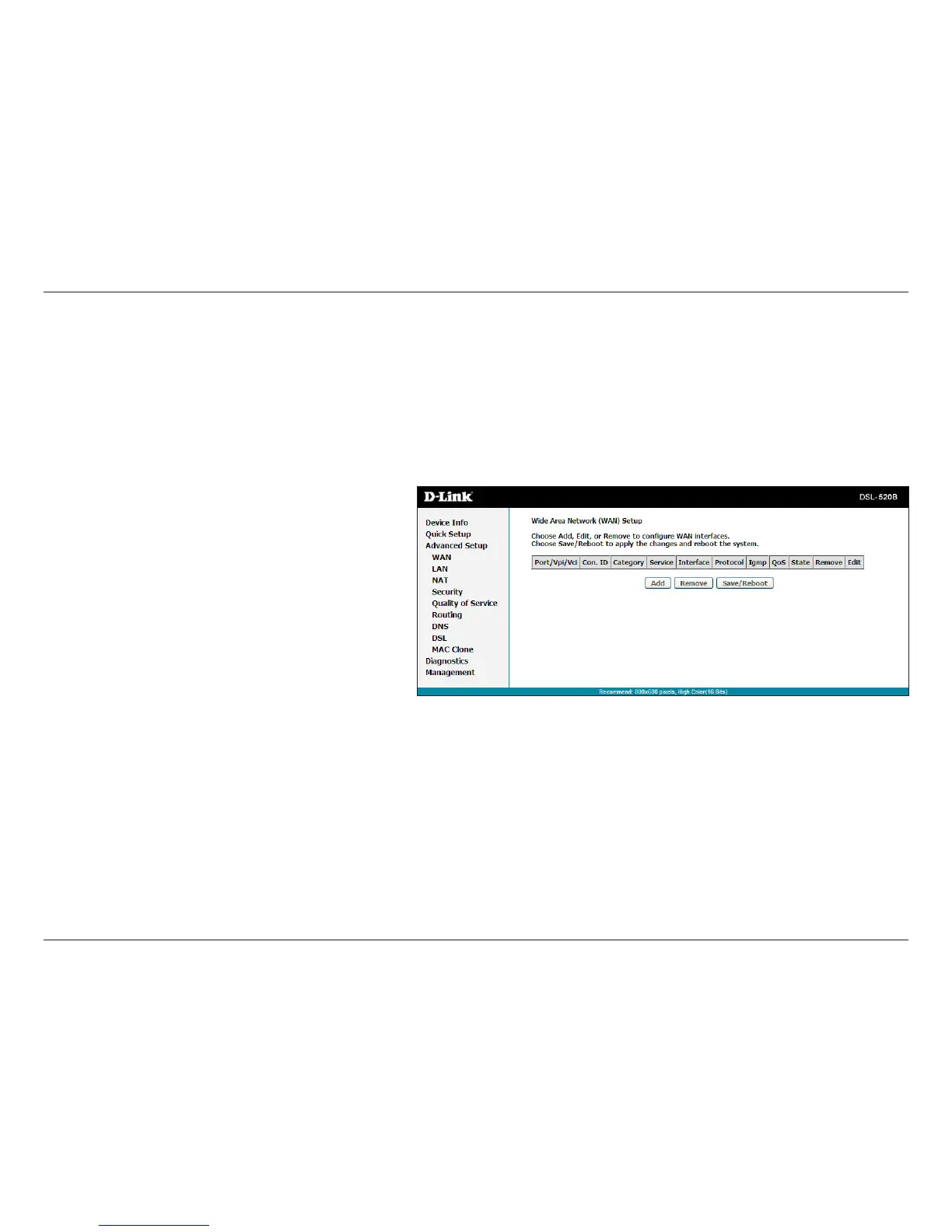
WAN
Congure the DSL settings as provided by your ISP.
Click the Add button if you want to add a new connection
for the WAN interface and to proceed to the ATM PVC
Conguration screen on the following page. The ATM PVC
Conguration screen allows you to congure an ATM PVC
identier (VPI and VCI) and select a service category.
Thissectionofthesetupisanadvancedversionofthequicksetup.Ifyouwanttomakespeciccongurationstoyourmodemsuchascreatinga
SNMP,etc.,considergoingthroughthisadvancedsetupforamorecomprehensiveconguration.



 To Next Page