44D-Link DSL-520B ADSL2+ Modem User Manual
Section 7 - Device Info
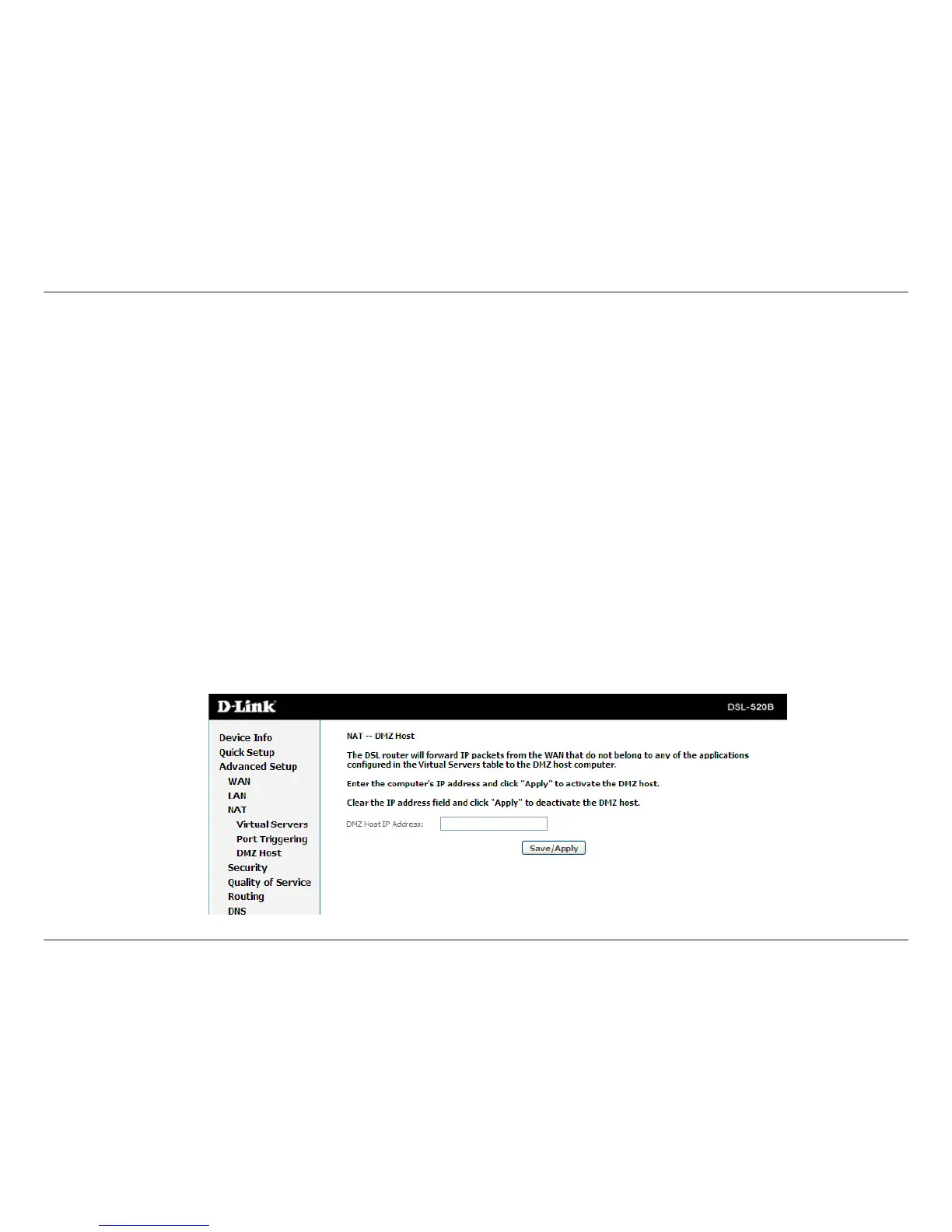
DMZ Host
Thedemilitarized(DMZ)hostfeatureallowsonelocalcomputertobeexposedtotheInternet.Thisfunctionisapplicablefor:
• Userswhowanttouseaspecial-purposeInternetservice,suchasanon-linegameorvideoconferencingprogram,thatis
not in the port forwarding list and for which no port range information is available.
• Userswhoarenotconcernedwithsecurityandwishtoexposeonecomputertoallserviceswithoutrestriction.
Note: A DMZ host is not protected by the rewall and may be vulnerable to attack. This may also put other computers in the home
network at risk. Hence, when designating a DMZ host, you must consider the security implications and and take the appropriate
precautions.
YoucansetupaclientinyourlocalnetworkasaDMZhost.Yourdevicethenforwardsallincomingdatatracfromthe
Internettothisclient.Youcan,forexample,operateyourownWebserverononeoftheclientsinyourlocalnetworkandmake
itaccessibletoInternetusers.Astheexposedhost,thelocalclientisdirectlyvisibletotheInternetandthereforeparticularly
vulnerabletoattacks(forexample,hackerattacks).Enablethisfunctiononlywhennecessary(forexample,tooperateaWeb
server)andwhenotherfunctions(forexample,portforwarding)areinadequate.Inthiscase,youshouldtakeappropriate
measures for the clients concerned.
Note:OnlyonePCperpublicIPaddresscanbesetupasanexposedhost.



 To Next Page