58D-Link DSL-520B ADSL2+ Modem User Manual
Section 9 - Advanced Setup
Routing
Default Gateway
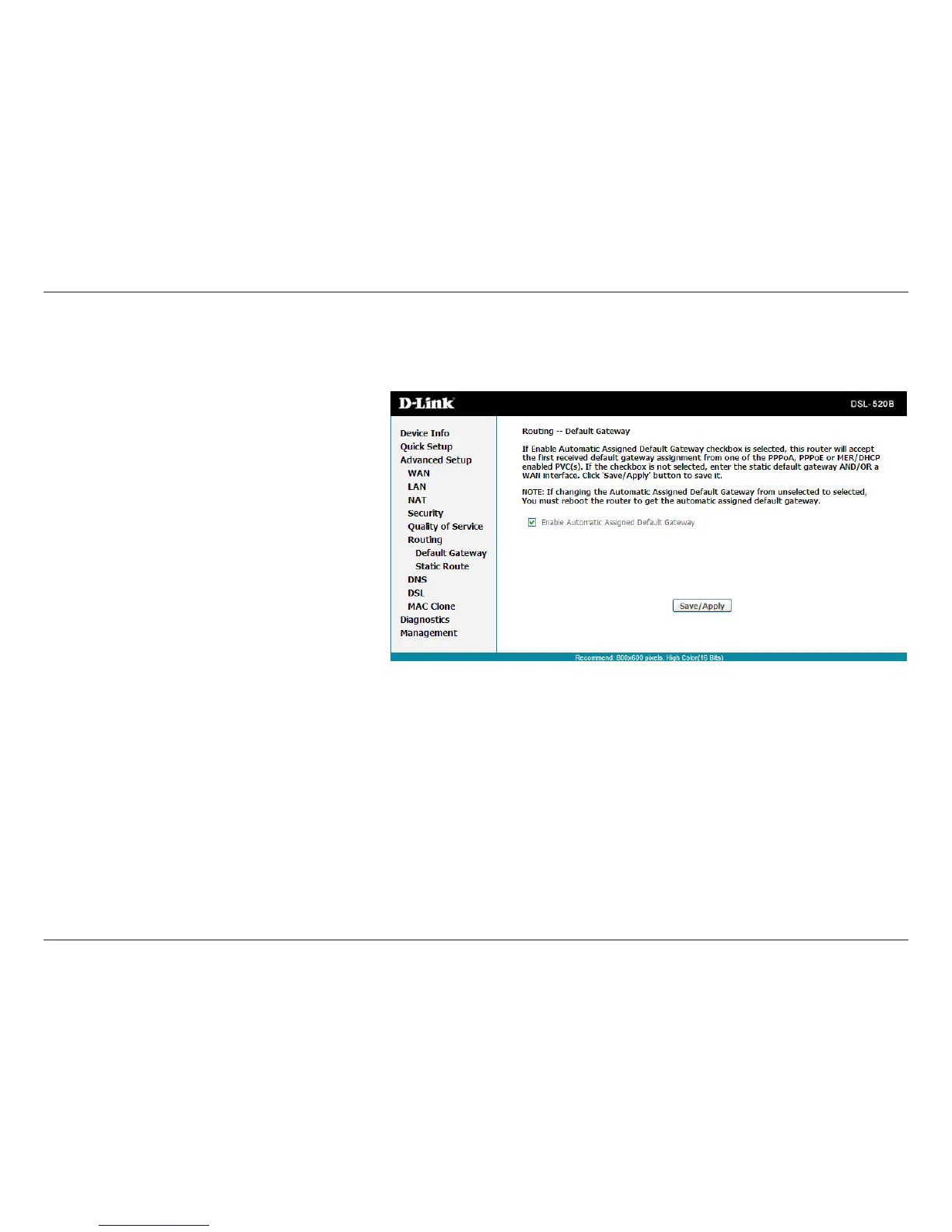
In this page, you can modify the default gateway
settings. If you select Enable Automatic Assigned
DefaultGateway,thisroutercanaccepttherstreceived
default gateway assignmentfromone ofthe PPPoA,
PPPoEorMER/DHCPenabledPVC(s).Ifthecheckboxis
notselected,youmustenterthestaticdefaultgateway
and/oraWANinterface.Then,clickSave/Apply.
Note: If the Automatic Assigned Default Gateway check
boxischangedfromdeselectedtoselected,youmust
reboot the router to obtain the automatic assigned
default gateway.



 To Next Page