78D-Link DVA-5582 User Manual
Section 3 - Conguration
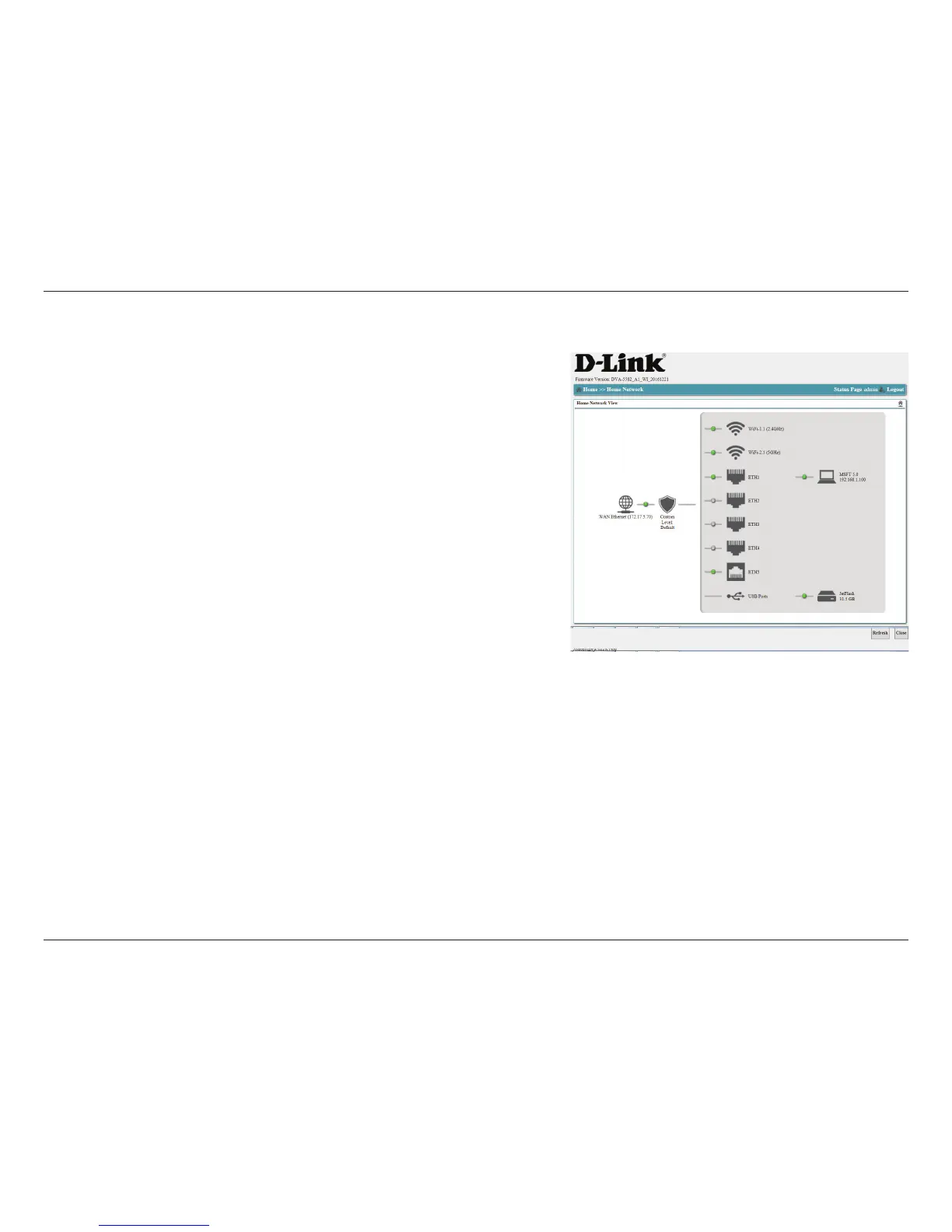
This menu gives you a graphical view of all interfaces on your router. Click any
interface to be taken to the relevant conguration page. This section is for advanced
users and network professionals only and can be safely ignored by a majority of users.
Home Network
Click Refresh to update the page, or click Close to return to the previous screen.


 To Next Page