47D-Link DNR-322L User Manual
Section 3 - Conguration
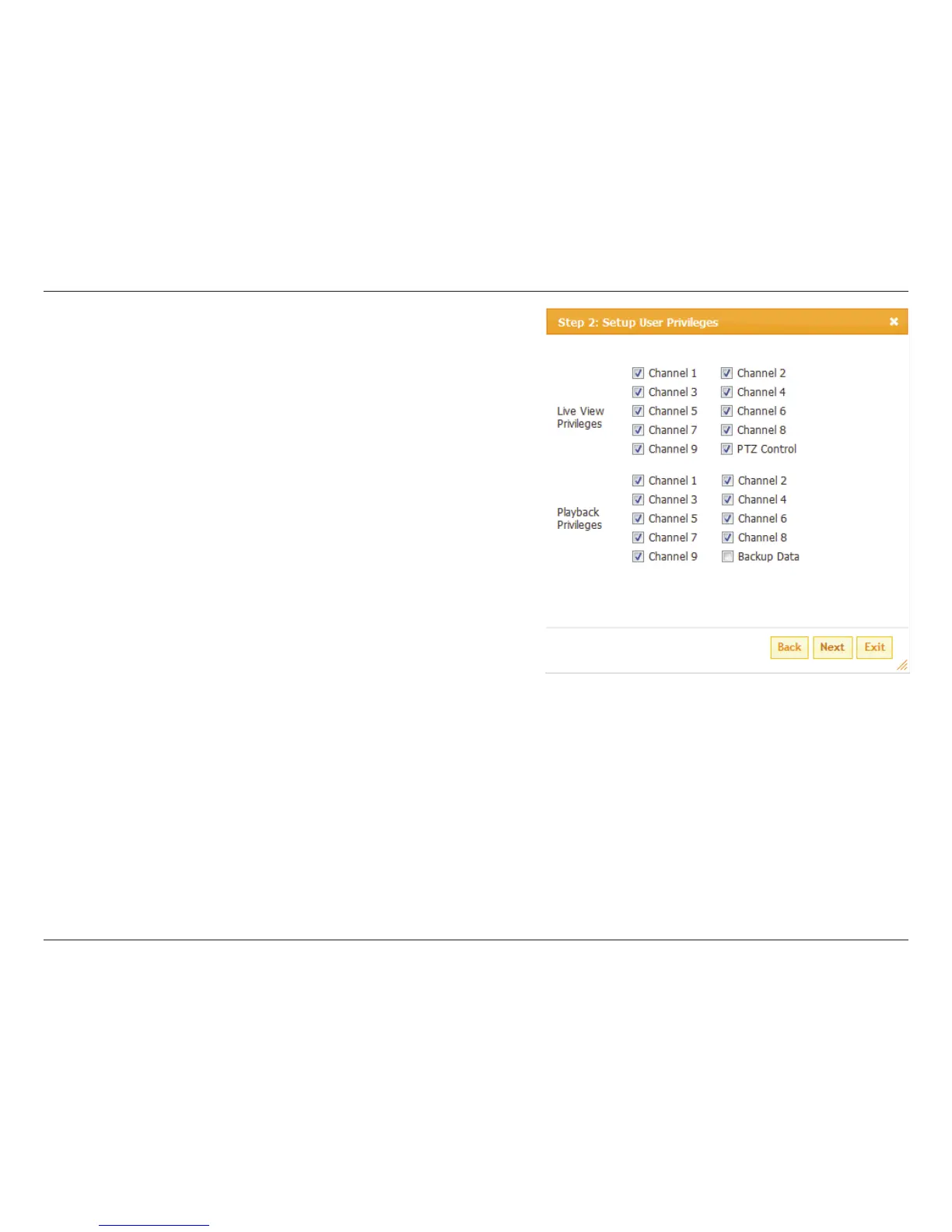
User List
Change User’s Password
Step 1: Select the user name you want to modify and click Modify button.
Step 2: Input the password of the user. Type the password again to
conrm.
Step 3: Click the Finish button to save. Click Exit to abort.
Delete A User
Step 1: Select the user name you want to delete and click Delete button.
Step 2: In the conrmation box, click the OK button.


 To Next Page
 Loading...