65D-Link DNR-322L User Manual
Section 3 - Conguration
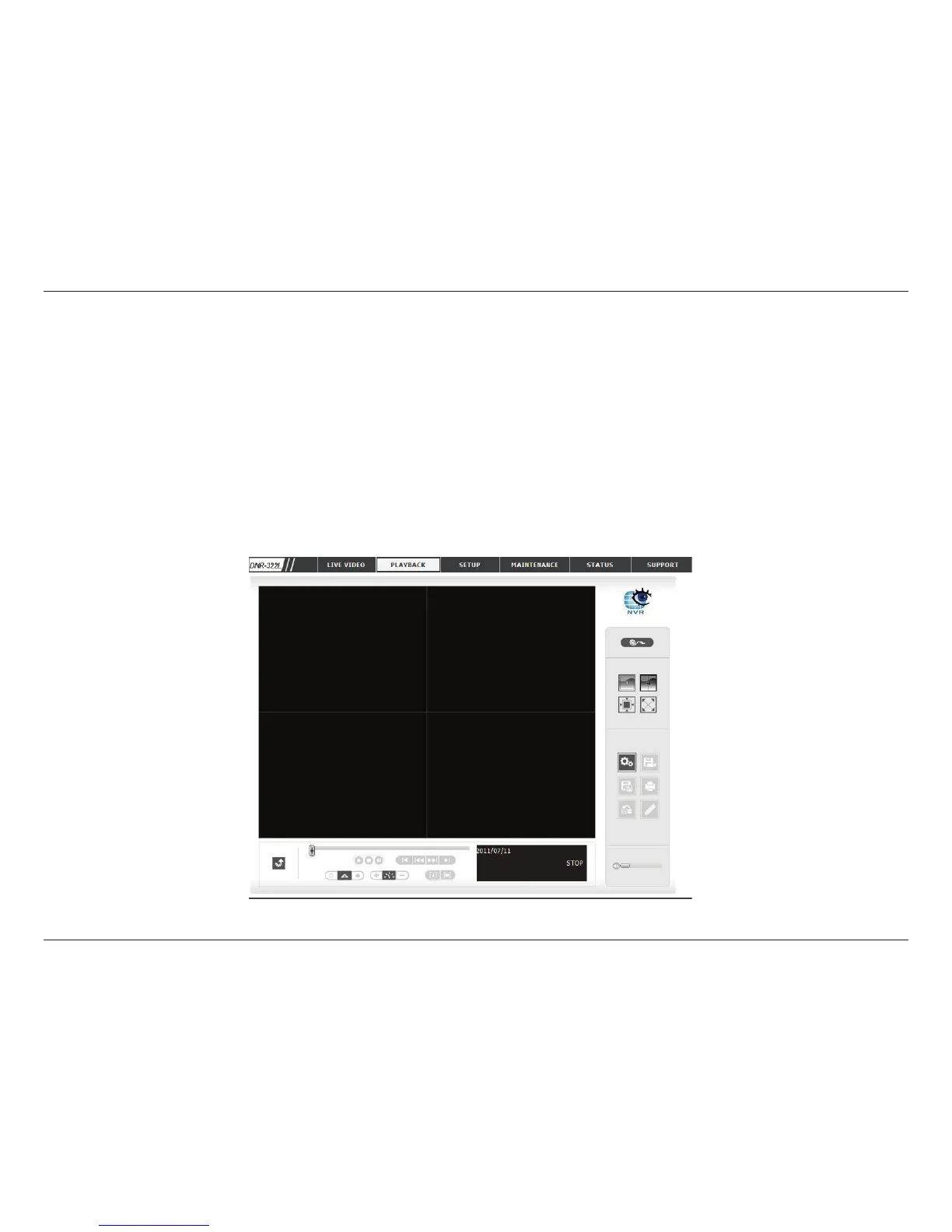
Playback
Play the Recorded Video
Step 1: Be sure that you have set the schedule/recording event rst.
Step 2: Click the PLAYBACK tab at the top of the menu.
Step 3: Click the Open Record button.
Step 4: The Record Display Window will show information about the available video clips. Select the date you would like to
nd the video records.
Step 5: Highlight the video records that you would like to review.
Step 6: Click the OK button.
This feature allows you to search and playback the recorded video.


 To Next Page
 Loading...