15
Dallmeier electronic GmbH & Co.KG
5 Sequencer/Live mode
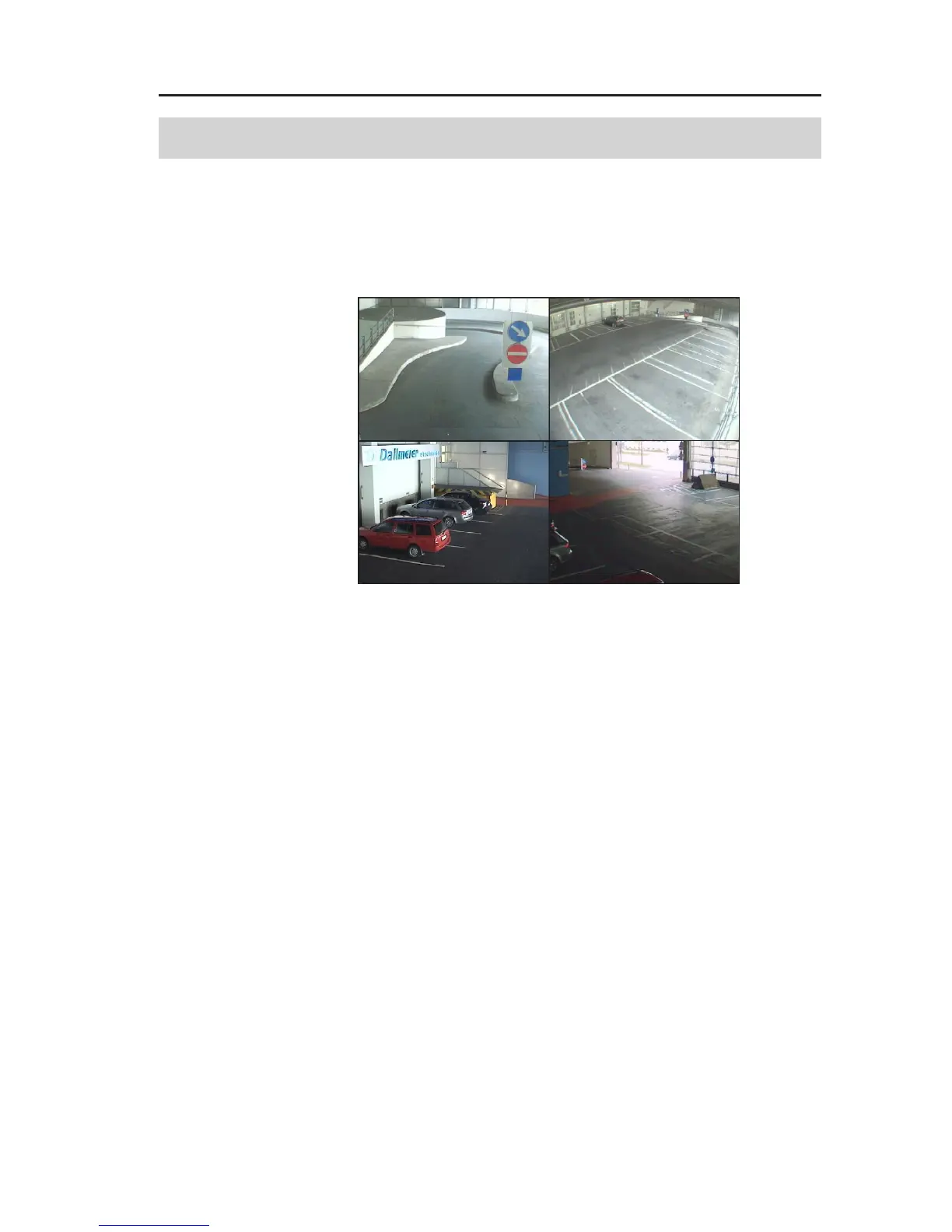
Initially, the recorder is in the Sequencer/Live mode after switch-on
and boot up. Depending on the splitter configuration (see Installa-
tion and Configuration), live images of the connected cameras
will be displayed in a certain split window.
If a camera has been assigned to a split window the camera name
will be displayed in the top left corner.
The system time is always displayed in the bottom right edge of
the display.
5.1 Changing the split type (VGA Monitor)
To change the displayed split type on the VGA monitor, please
proceed as follows:
" Move the mouse pointer to the lower edge of the display.
The task bar with the buttons for selecting the split type will be
displayed. The current split type is marked in blue.
Fig. 5-1: Split type 2x2



 To Next Page