67
Dallmeier electronic GmbH & Co.KG
13 Info menu
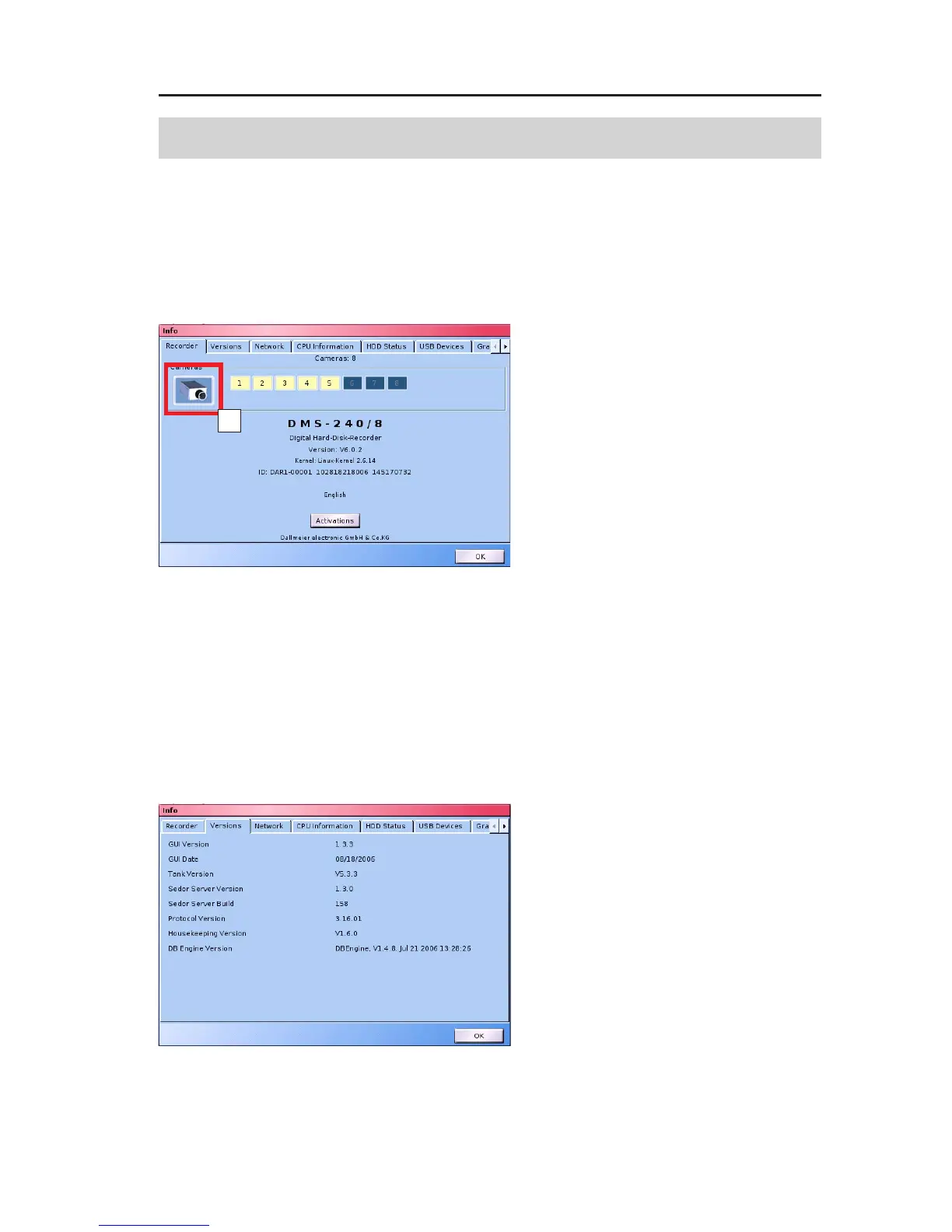
Clicking the Info button brings up a dialog in which all the connected
cameras are displayed light in color.
This dialog is accessed via:
Setup > System > Info
In addition to the system name, the
Software version and the device-
specific serial number are found
here.
If you click the button with the
camera symbol (A), the list of active
cameras is updated.
Extensions
" Click the Extensions button.
The Extensions dialog is solely an information dialog on the
outfitting of the system, and no extensions can be made here.
Functions which are not activated with a check are either not
integrated in your system or are not enabled.
Versions
The Versions tab provides
information on the software
versions and internal components.
Fig. 13-1
Fig. 13-2: Versions tab
A



 To Next Page