21
Dallmeier electronic GmbH & Co.KG
6 Playback/Live Mode
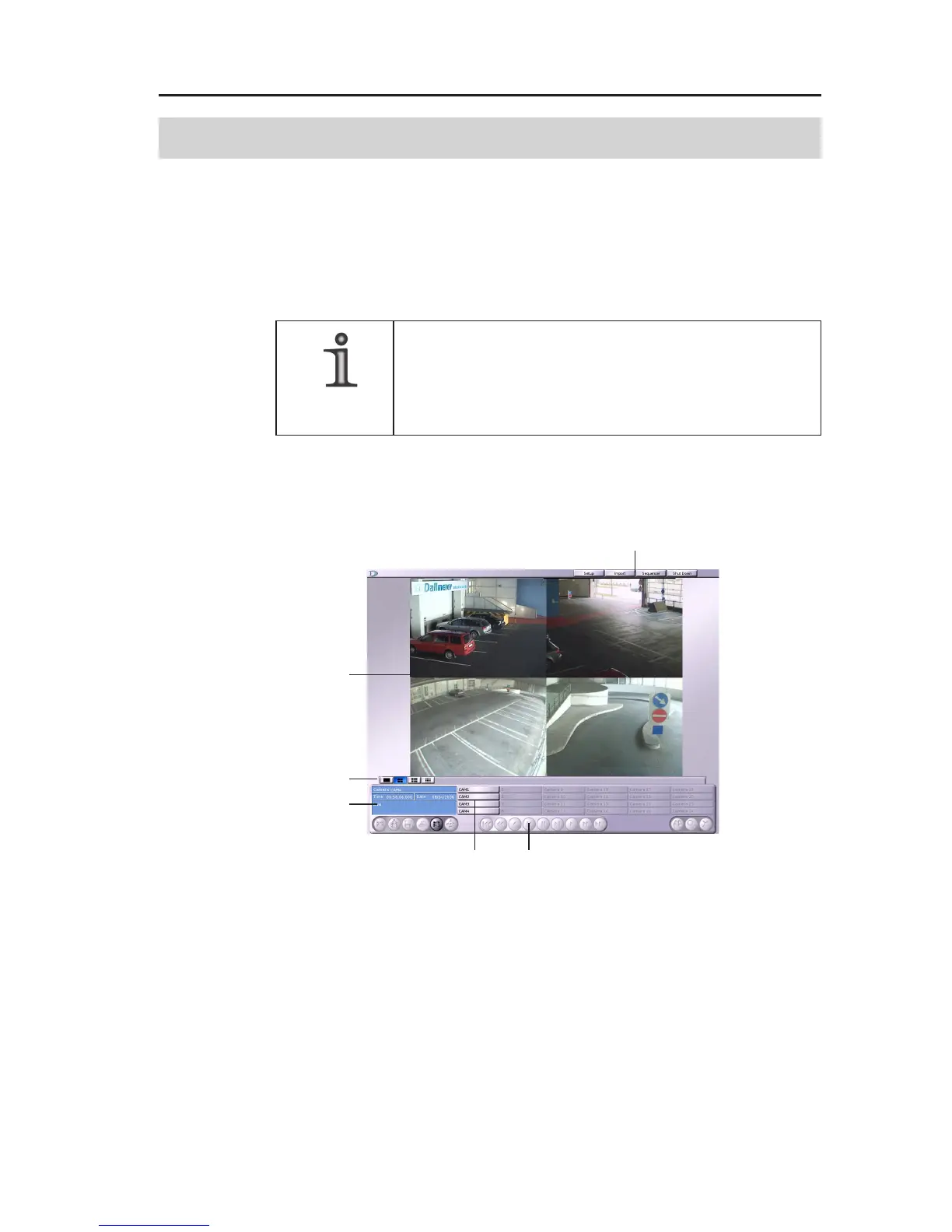
After you have logged in successfully, the recorder is in the Play-
back/Live mode. The graphical user interface will be displayed.
Depending on the splitter configuration (see Installation and
Configuration), live images of the connected cameras will be
displayed in a certain split type.
NOTE
If there is no entry or mouse movement for 10
minutes, the recorder will automatically go back
to the Sequencer/Live mode.
6.1 Graphical User Interface
1 Buttons for selecting the split type
2 Buttons for selecting the dialog
3 Live or playback splits
4 Information window
5 Camera buttons
6 Buttons for playback control
The Sequencer/Live mode can be reactivated at any time by clicking
on the Sequencer button.
1
4
56
2
3
Fig. 6-1: GUI elements



 To Next Page