33
Dallmeier electronic GmbH & Co.KG
7.1.3 Changing the track
There a different methods for changing the displayed track:
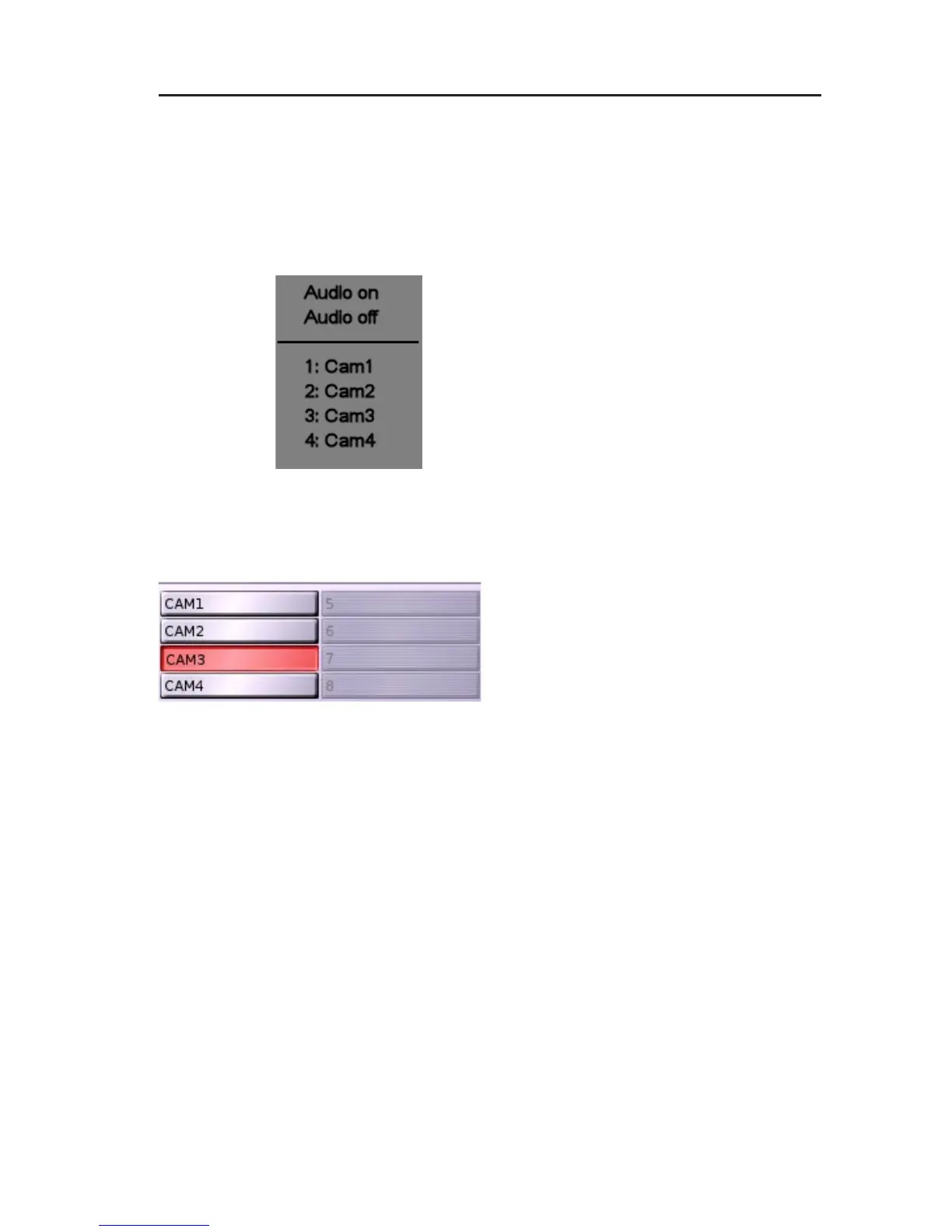
Context menu
" Call the context menu of the split window.
" Select a LP track for playback.
Camera buttons
Clicking on the camera buttons also
allows to toggle between the various
tracks of a track type.
Select track panel
The Select track panel will be displayed again when right-clicking
on the Select track button. Select the new track following the method
described above.
7.2 Playback
The recorder will switch to Playback mode after a track for playback
has been selected. The playback control panel and the latest image
in the track will be displayed.
Fig. 7-3: Context menu split
window with track playback
Fig. 7-4: Camera buttons for toggling between
tracks



 To Next Page