62
Dallmeier electronic GmbH & Co.KG
DMS 240 / DMS 160 / DMS 80
Protocol
System logons and logoffs will be displayed (e.g. login,
external connection to PView).
Actions
System messages relating to actions carried out by the user
will be displayed (e.g. changing a setting, track playback).
Click on Apply after selecting the message categories to start
displaying the message list.
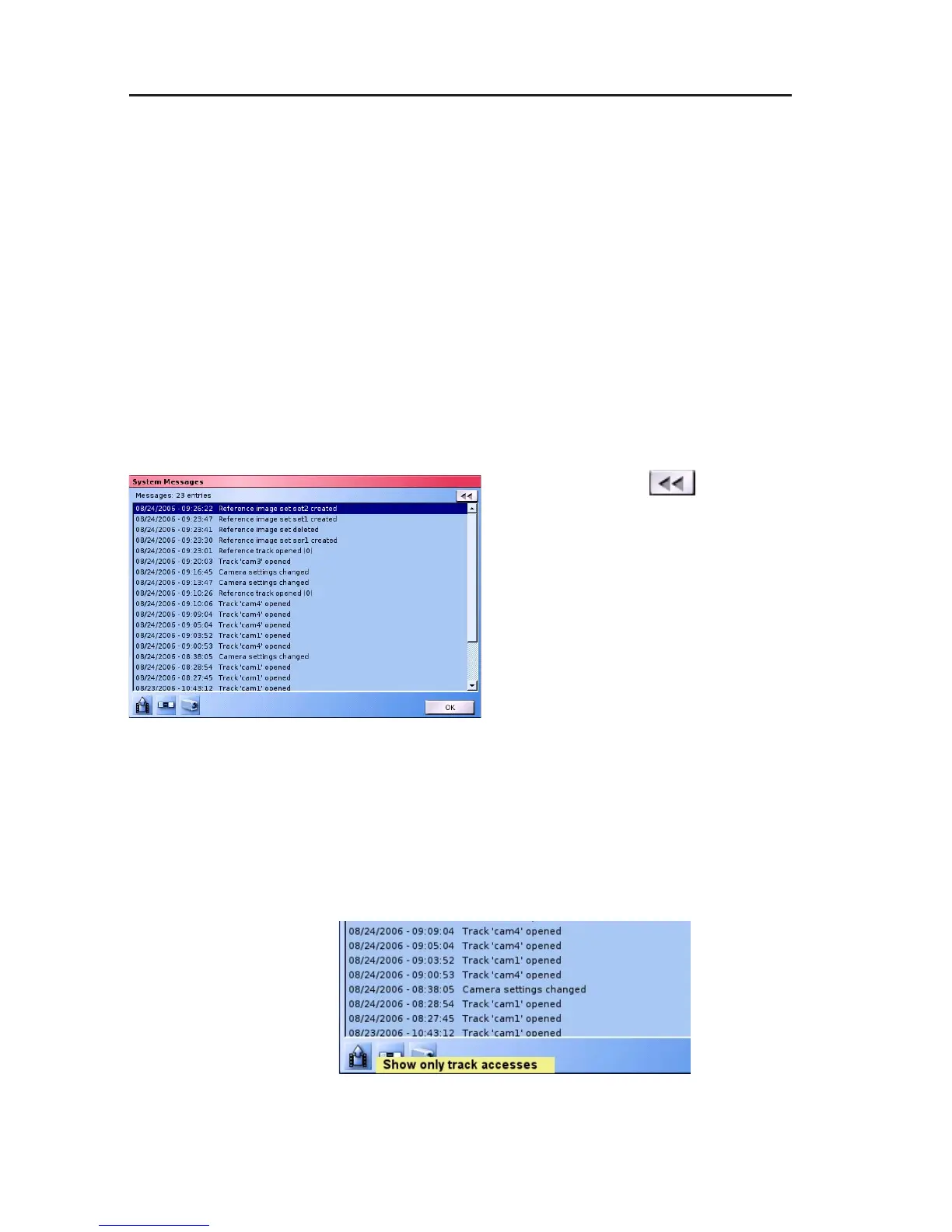
The Filter and Actions fields will be hidden and the message list
displayed.
" Click on the button do
display the Filter and Actions
fields again.
12.2 Filtering system messages
The different messages of the current category can be listed in
filtered form. A filter will only be displayed if a corresponding
message can be found in the message list.
Fig. 12-2: System Messages dialog/message list
Fig. 12-3: System Messages dialog/filter buttons



 To Next Page