64
Dallmeier electronic GmbH & Co.KG
DMS 240 / DMS 160 / DMS 80
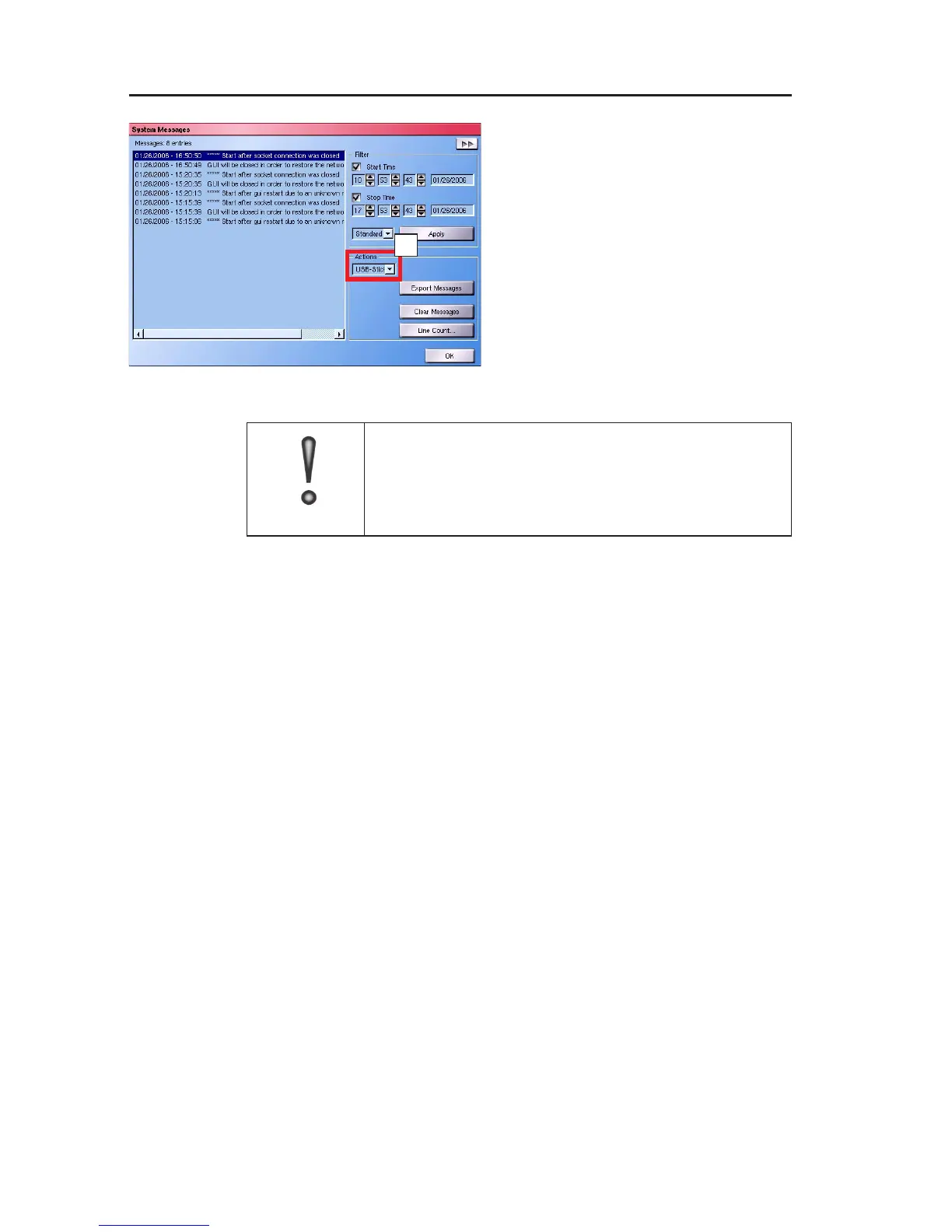
" To export the correct list, always
click Apply before exporting.
" Insert a floppy disk into the dri-
ve of your DMS 240 / 160 / 80,
or insert a USB stick into an
available USB port.
IMPORTANT
If an exported archive file is already located on
the floppy disk or the USB stick, it is overwritten
by the new archive file.
" Select the storage medium you are using (field A).
" Then click Export Messages.
The end of the saving procedure is indicated by a corresponding
message.
" Click OK and remove the respective storage medium.
The file is saved as logsysmessages.txt on the floppy disk, or
USB stick, and can be viewed on a PC and printed if necessary.
12.4 Deleting and limiting an archive
The number of saved system messages and therefore the maximum
size of the list can be defined using the Line Count dialog.
" You can open this by clicking on Line Count....
Fig. 12-5
A



 To Next Page