63
Dallmeier electronic GmbH & Co.KG
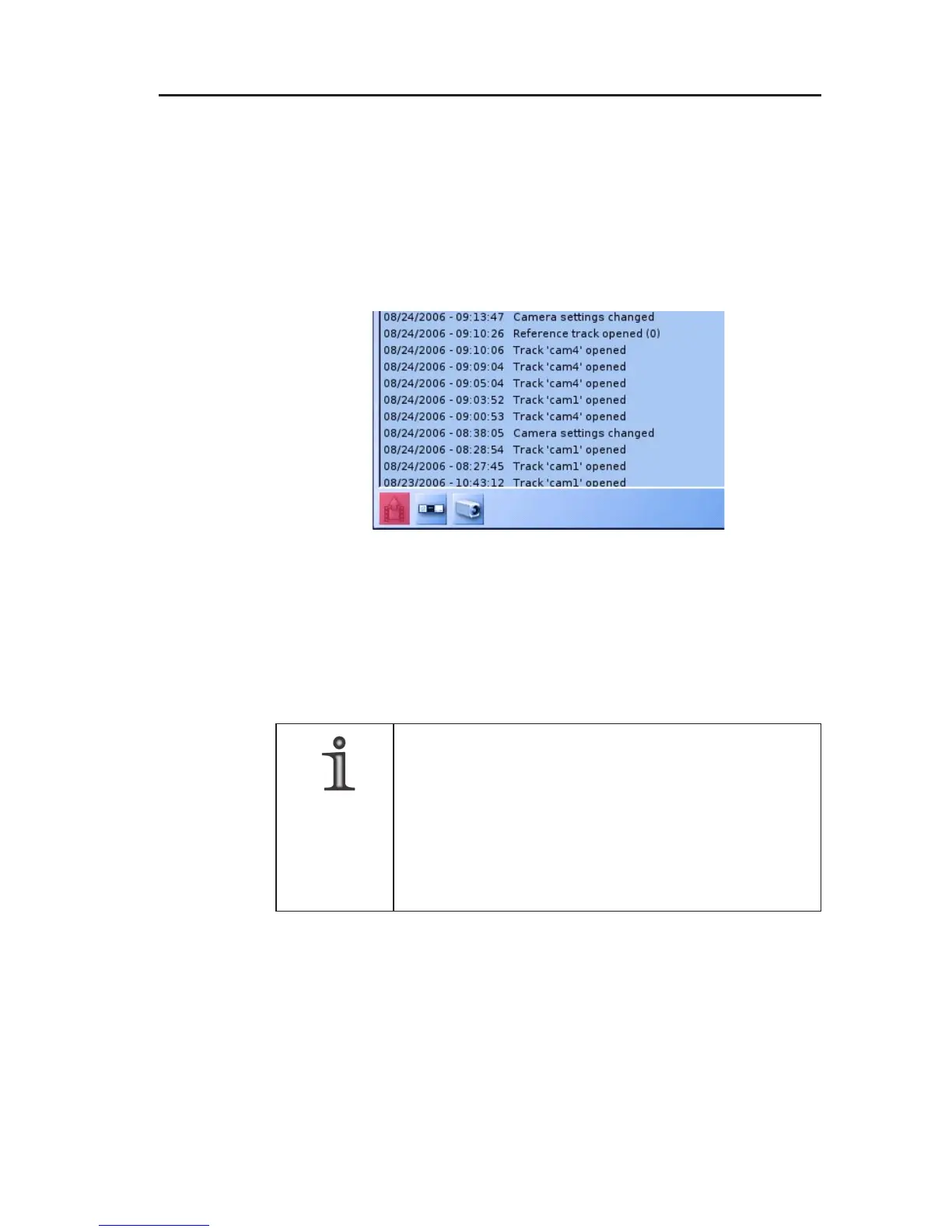
Click on a filter button in the bottom left corner to activate the
corresponding filter. The buttons’ tooltips always show the filter’s
effect on the list.
If no filter is active (all buttons blue) all messages of the current
category will be shown.
Active filters are displayed with a red button. Different filters can be
combined (AND gating).
12.3 Exporting system messages
The system messages listed in the Messages list can be exported
to floppy disk or USB stick.
NOTE
The system messages which are exported depend
on the category selection and lower and upper
time settings.
If all system messages in the archive are to be
exported, all categories must be activated and both
the lower and upper times must be deactivated.
Fig. 12-4: System Messages dialog/active filter



 To Next Page