53
Dallmeier electronic GmbH & Co.KG
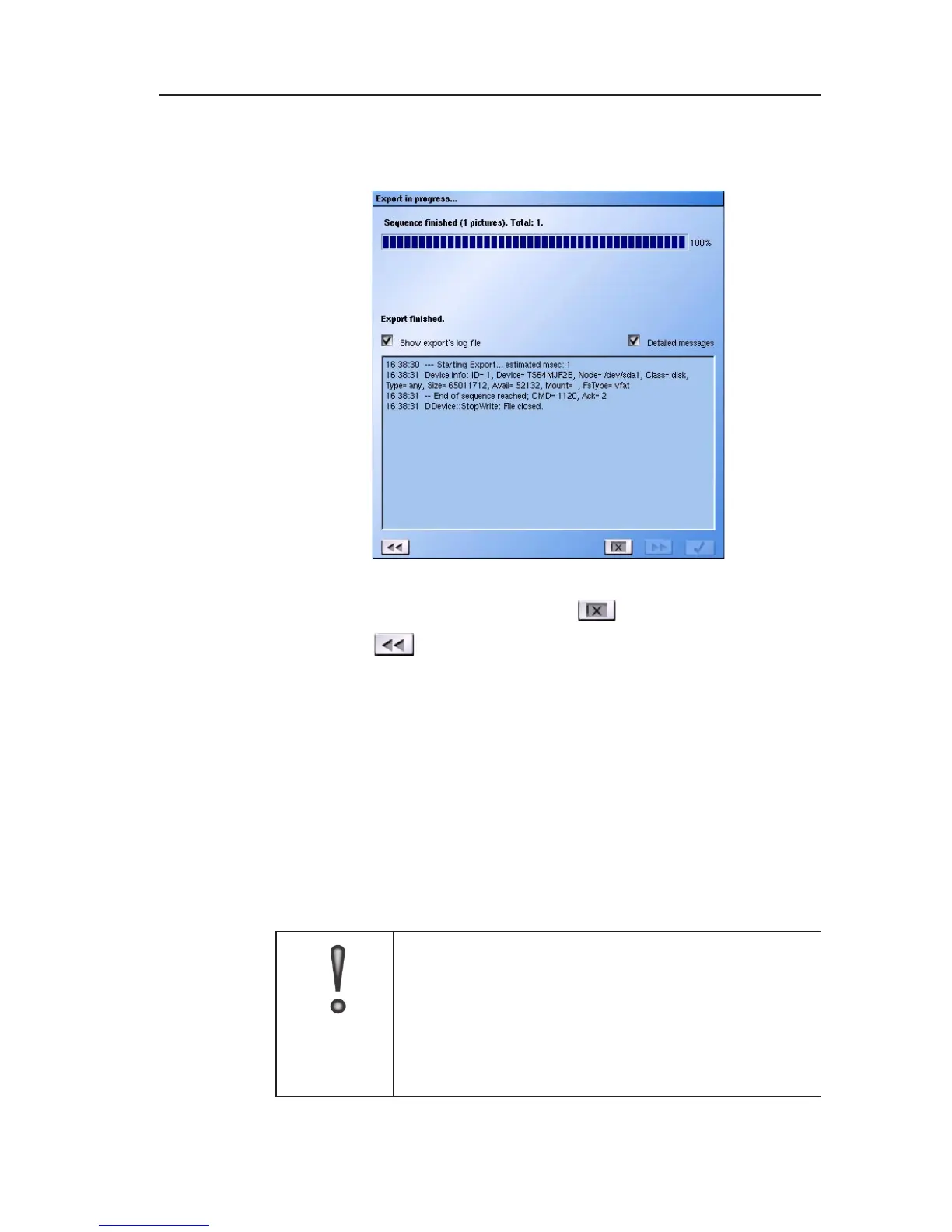
" Also check the checkbox Detailed message to view more
detailed information about the saving procedure.
After the export has finished, click on
to exist the export menu.
or click on to return to the previous export menu.
9.2 Importing exported pictures
Two options are available for viewing exported pictures:
1. ProcessViewer (picture viewing on PC)
2. Import (imaging viewing on DMS 240 / 160 / 80)
Pictures exported using the export function can be read back in at
the DMS 240 / 160 / 80 and viewed.
IMPORTANT
Pictures already processed can no longer be read
in and viewed on the system.
Exported pictures cannot be saved to the hard
disk of the DMS 240 / 160 / 80 with the Import
function.
Fig. 9-6



 To Next Page