54
Dallmeier electronic GmbH & Co.KG
DMS 240 / DMS 160 / DMS 80
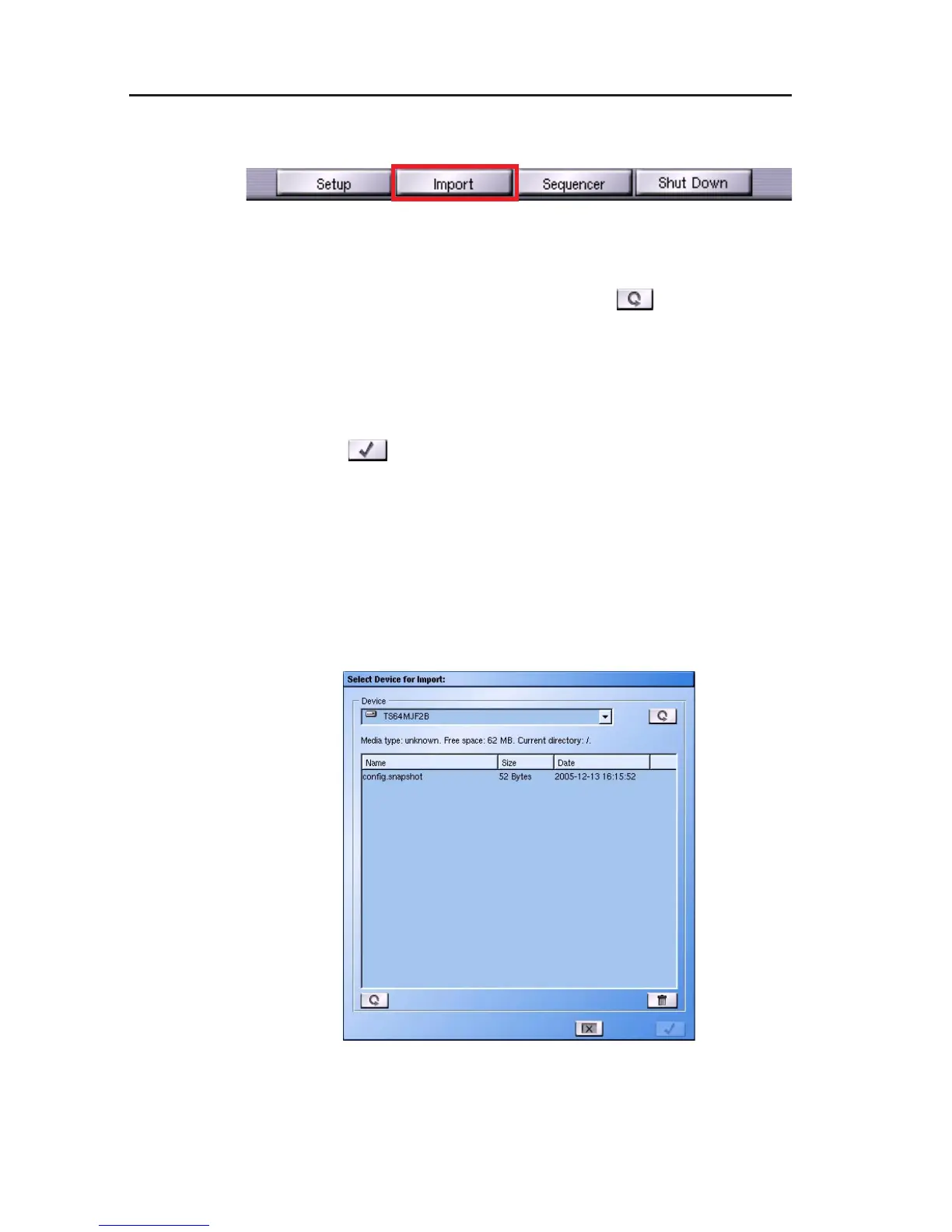
" Click Import in the dialog selection.
" Select the file whose pictures are to be viewed in the list of data
medium information.
" Update the device list if necessary using .
" Select a medium using the pull-down menu.
After selecting the medium the current information for it will be
displayed.
" Select the required file.
" Click on
to load the file into the recorder.
All playback functions are available for evaluation of the recording.
Erasing files
The Erase function is also available in the Import dialog. Individu-
al recording files can be erased from a floppy disk, as described in
the Export List chapter.
With CD-RWs, only the entire CD can be erased.
Fig. 9-7
Fig. 9-8



 To Next Page