27
Dallmeier electronic GmbH & Co.KG
Displaying a PTZ preset
Click on the corresponding button to display a saved PTZ preset.
6.4.3 Leaving the camera control
" Click again on the camera control button to leave the camera
control.
6.5 UTC zoom control
The graphical user interface allows to control (zoom control) a
Dallmeier electronic UTC camera if such a camera has been
connected to the recorder and defined as controllable (see Instal-
lation and Configuration).
NOTE
There must be no video distributor or signal
amplifier between the UTC camera and the
recorder.
" Click on the corresponding camera button in the Playback/Live
mode.
The live image of the camera will be displayed.
The camera control button will be activated.
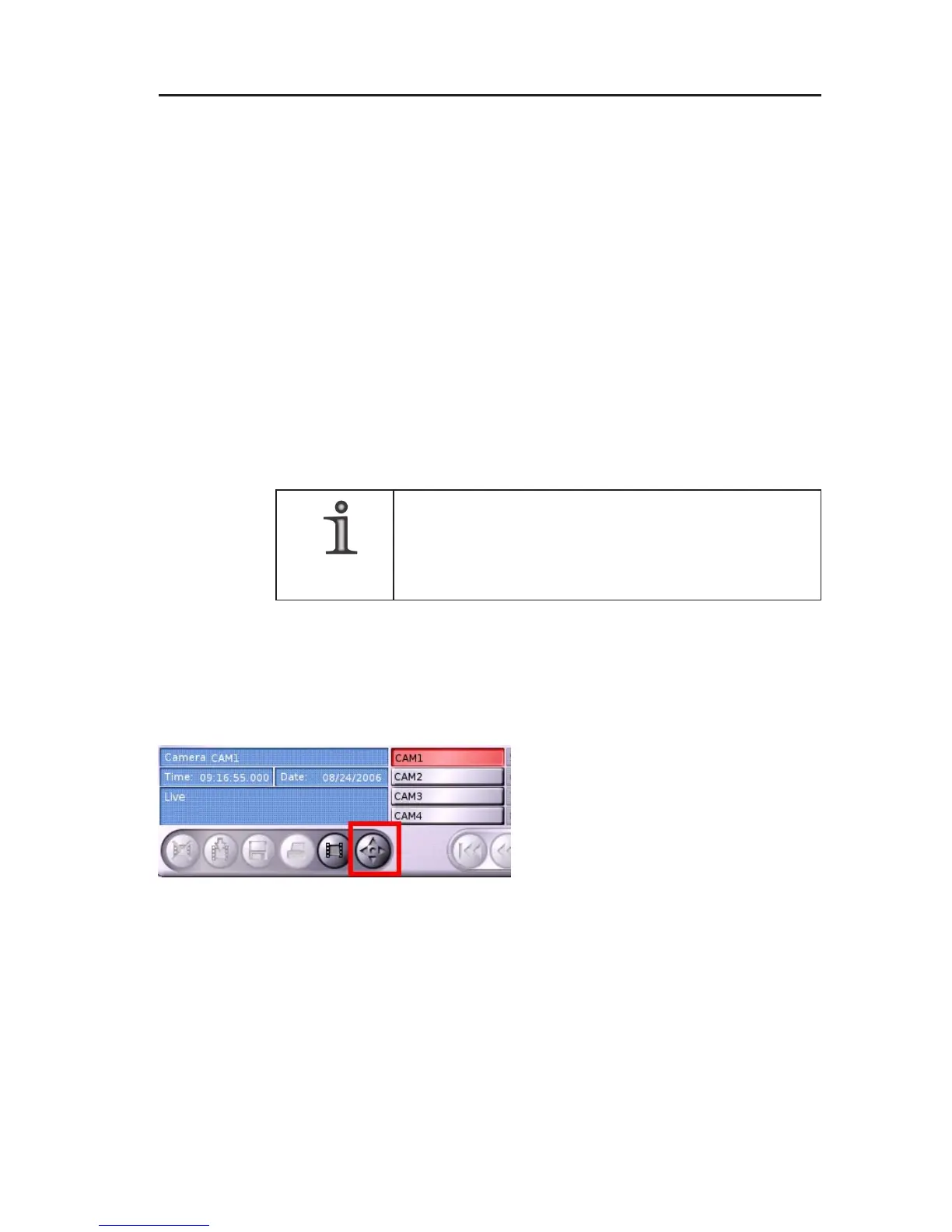
" Click on the camera control
button.
The UTC zoom control panel will be
displayed.
Fig. 6-12: Camera control button



 To Next Page