17
Dallmeier electronic GmbH & Co.KG
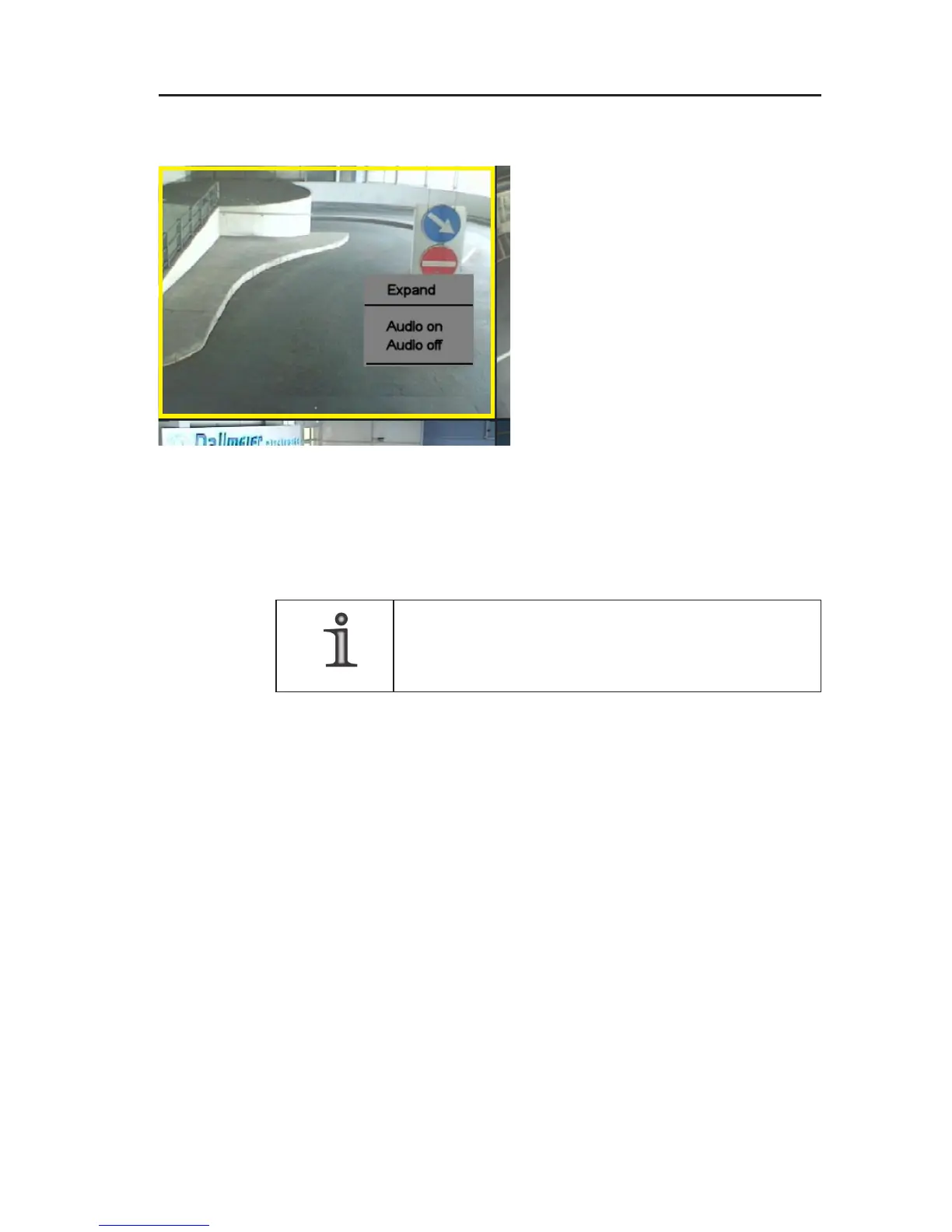
5.3 Context menu functions of the multi split types
" Right-click into a split.
The split will be marked with a
yellow frame. The context menu of
the multi split types will be
displayed.
Expand
Click on Expand to display the current split window as single split.
The context menu of the single split is available.
NOTE
The Expand and Back functions can also be
triggered by double-clicking in the respective split.
Audio on/off
If the displayed camera has been configured for recording with
audio, the audio output can be turned on (Audio on) and off (Audio
off).
5.4 Context menu functions of the single split
" Right-click into the single split.
The context menu of the single split will be displayed.
Fig. 5-4: Context menu multi split types



 To Next Page