43
Dallmeier electronic GmbH & Co.KG
Using this procedure, you can define 3 other search criteria, which
make the search more refined. This could be another specific
amount of money or currency type, for example.
" Start searching by clicking Start.
8.5 SmartFinder
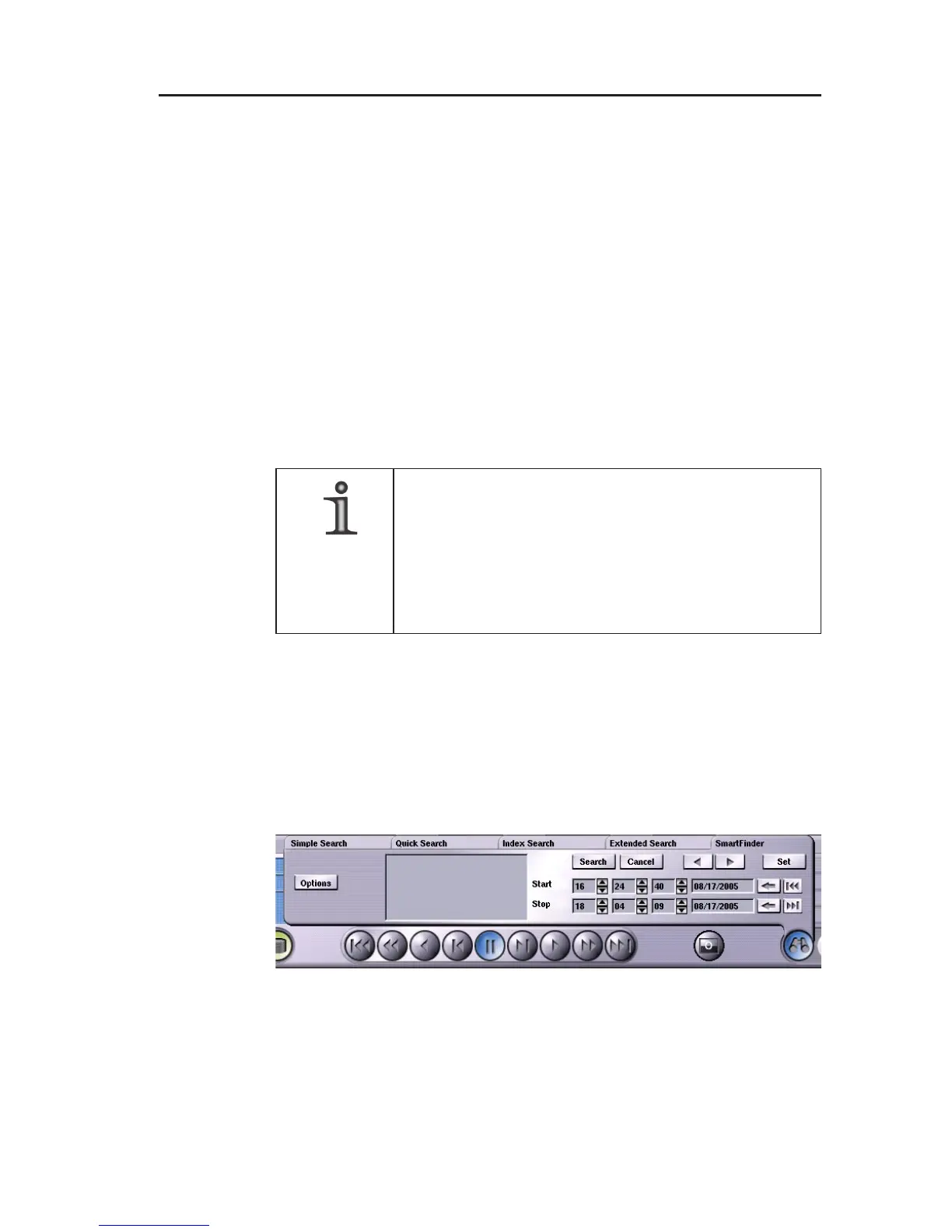
The SmartFinder search function allows you to search for changes
in any picture area.
However, it is a precondition that the SF function (SmartFinder)
has to be activated for the corresponding camera in the Camera
settings dialog.
NOTE
If SF is not activated for any camera (Point 1),
the SmartFinder tab is empty.
Further information about Camera settings and
Search criteria can be found in the Installation
and Configuration manual.
The following steps are therefore necessary in order to use the
SmartFinder search function:
1. Feed a track.
2. Click the Search functions (binoculars) button.
3. Click the SmartFinder tab.
Fig. 8-8



 To Next Page