23
Dallmeier electronic GmbH & Co.KG
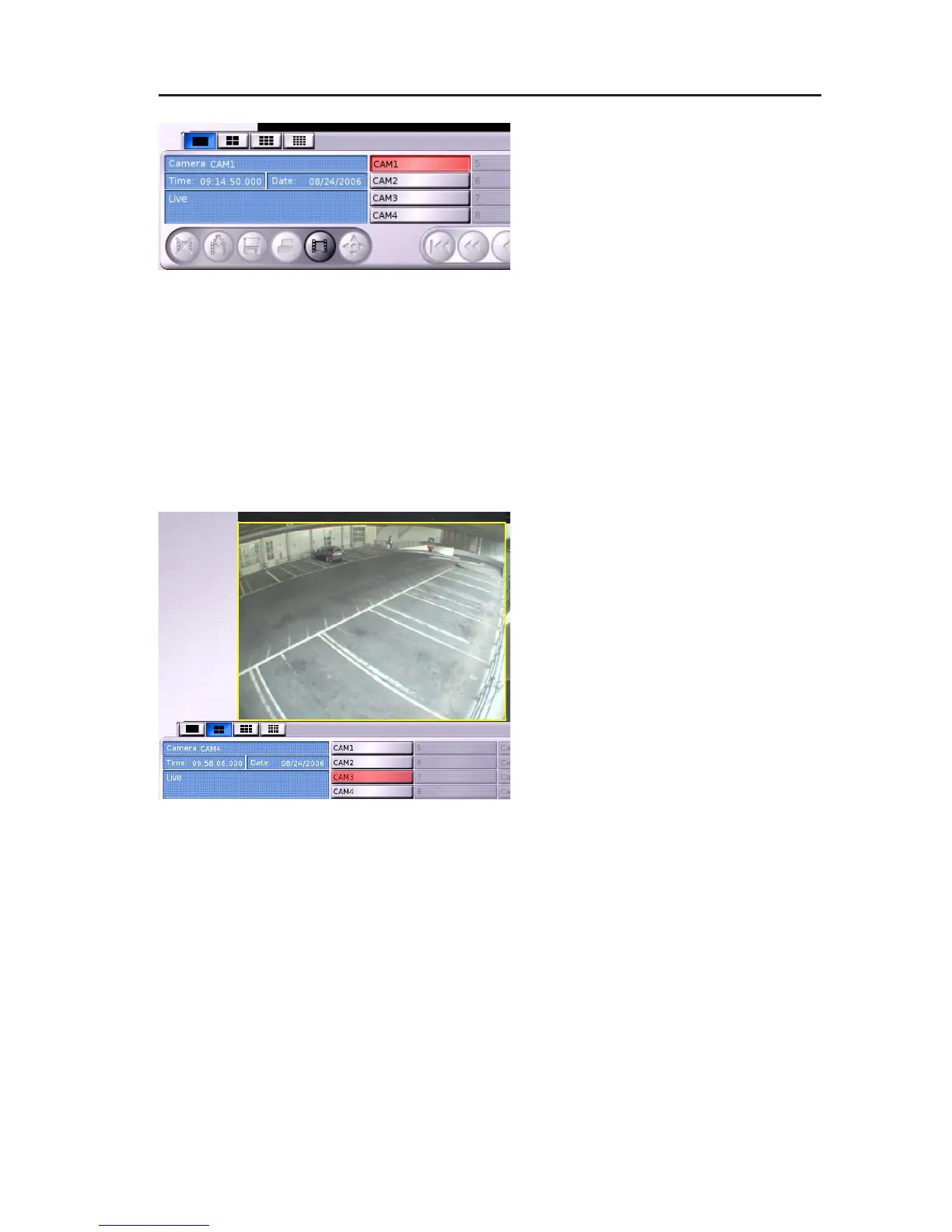
" Click on a camera button to
display the image of the
corresponding camera.
The button of the camera currently
displayed is marked in red.
6.3.2 Toggling between cameras in multi split types
The context menu for toggling between the cameras is also provided
for multi split types.
However, if you want to toggle between the cameras with the camera
buttons, you have to first define a split window for displaying the
camera image.
" Click into a split window in order
to mark it.
" Click on a camera button to
display the image of the
corresponding camera in the
marked split.
The button of the camera currently
displayed is marked in red.
If there is no split window marked the top left split window will
automatically be used for toggling between the cameras.
6.3.3 Presets
The current camera - split window assignment can be saved as
preset for multi split types. 5 presets can be saved for each multi
split type.
" Right-click on the button of the current multi split type.
Fig. 6-4: Camera buttons
Fig. 6-5: Marked split window



 To Next Page