29
Dallmeier electronic GmbH & Co.KG
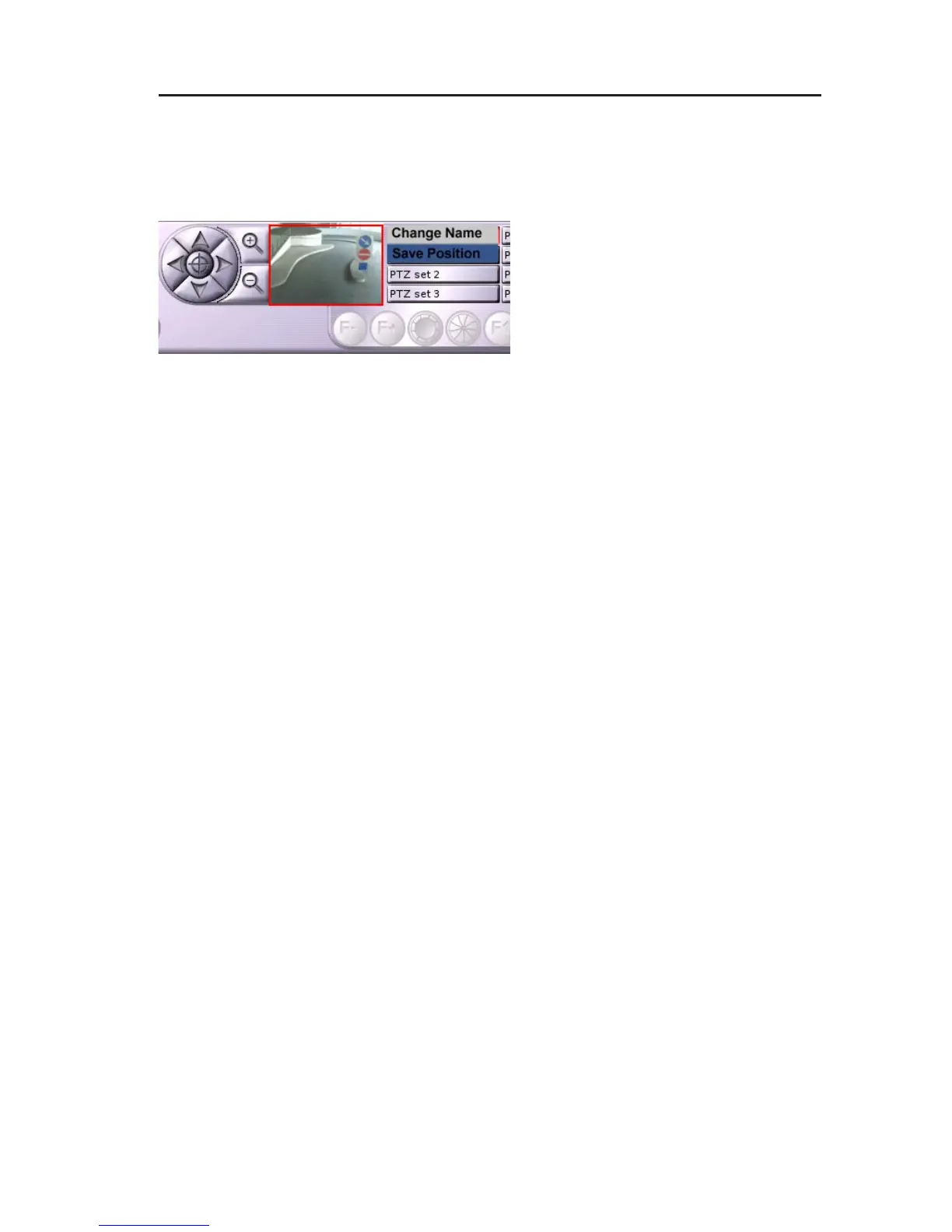
Save as preset
" Direct the camera at the relevant position/scene.
" Right-click on the button of a PTZ preset.
The context menu of the button will
be displayed.
" Select Save position.
Position name
" Right-click on the button of a PTZ preset.
The context menu of the button will be displayed.
" Select Change name.
The virtual keyboard will be displayed.
" Enter a name for the PTZ preset.
" Confirm with OK.
Displaying a PTZ preset
" Click on the corresponding button to activate a saved PTZ preset.
6.5.4 Leaving the UTC Zoom control
" Click again on the camera control button to leave the UTC Zoom
control.
Fig. 6-14: Context menu PTZ preset/save position



 To Next Page