36
Dallmeier electronic GmbH & Co.KG
DMS 240 / DMS 160 / DMS 80
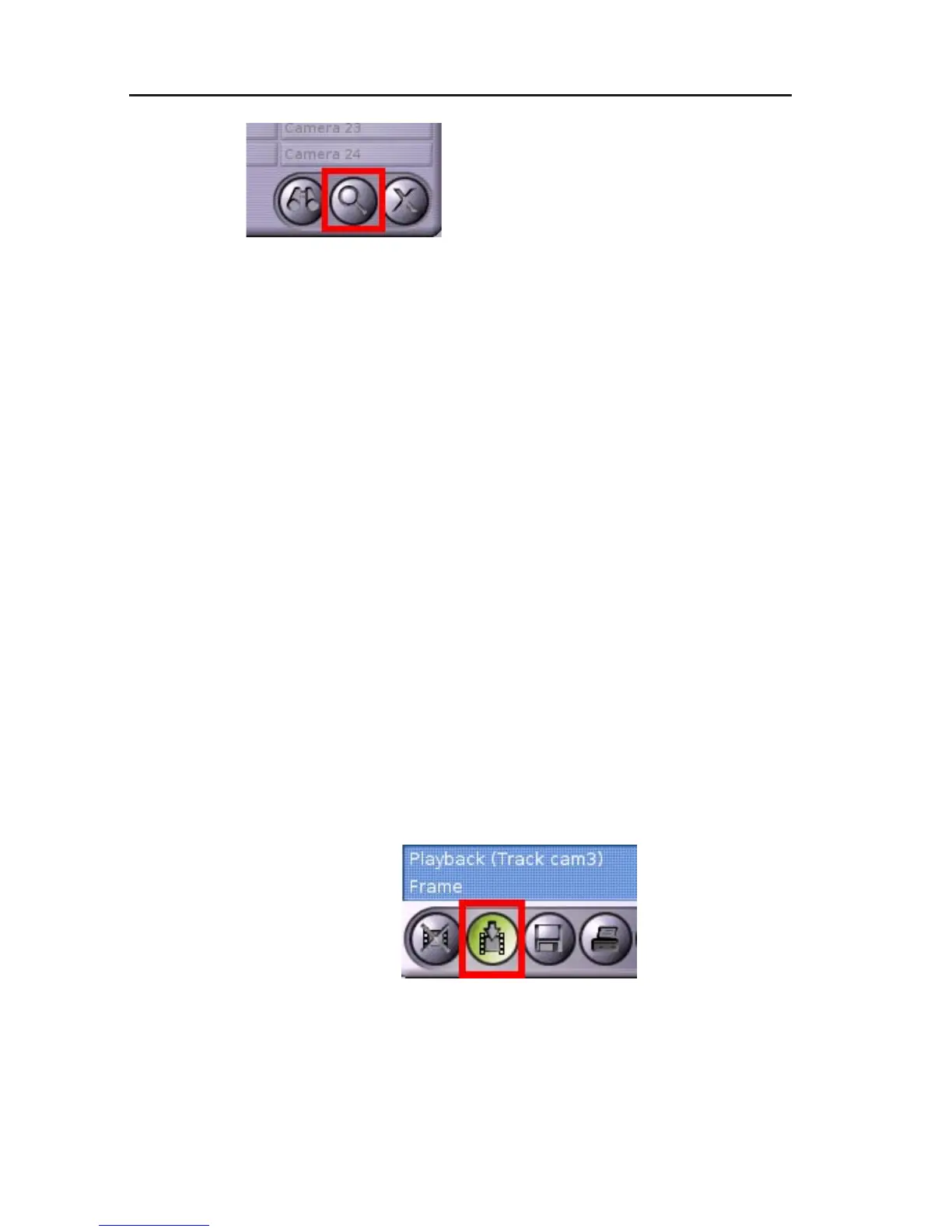
" Click on the Zoom button.
Except for printing, all functions will be deactivated. The split window
will be displayed at maximum size.
" Position the mouse pointer in the split window.
The mouse pointer will be displayed as magnifying glass.
" Left-click on the relevant image section.
The image will be enlarged. The current position of the mouse
pointer will be selected (as far as possible) as center of the
enlargement.
" Left-click again to enlarge the image by one step.
" Right-click to zoom out by one step.
" Click again on the Zoom button to exit the magnifying glass
function.
7.4 Stopping the recording
If you want to prevent the oldest images from being overwritten
during playback of a track, the recording can be stopped.
" Click on Recording on/off.
Fig. 7-9: Recording on/off button
Fig. 7-8: Zoom button



 To Next Page