61
Dallmeier electronic GmbH & Co.KG
12 System messages
System messages can be analyzed and exported via the GUI if the
recorder has been configured (see Installation and Configuration)
to record these messages.
12.1 Analyzing system messages
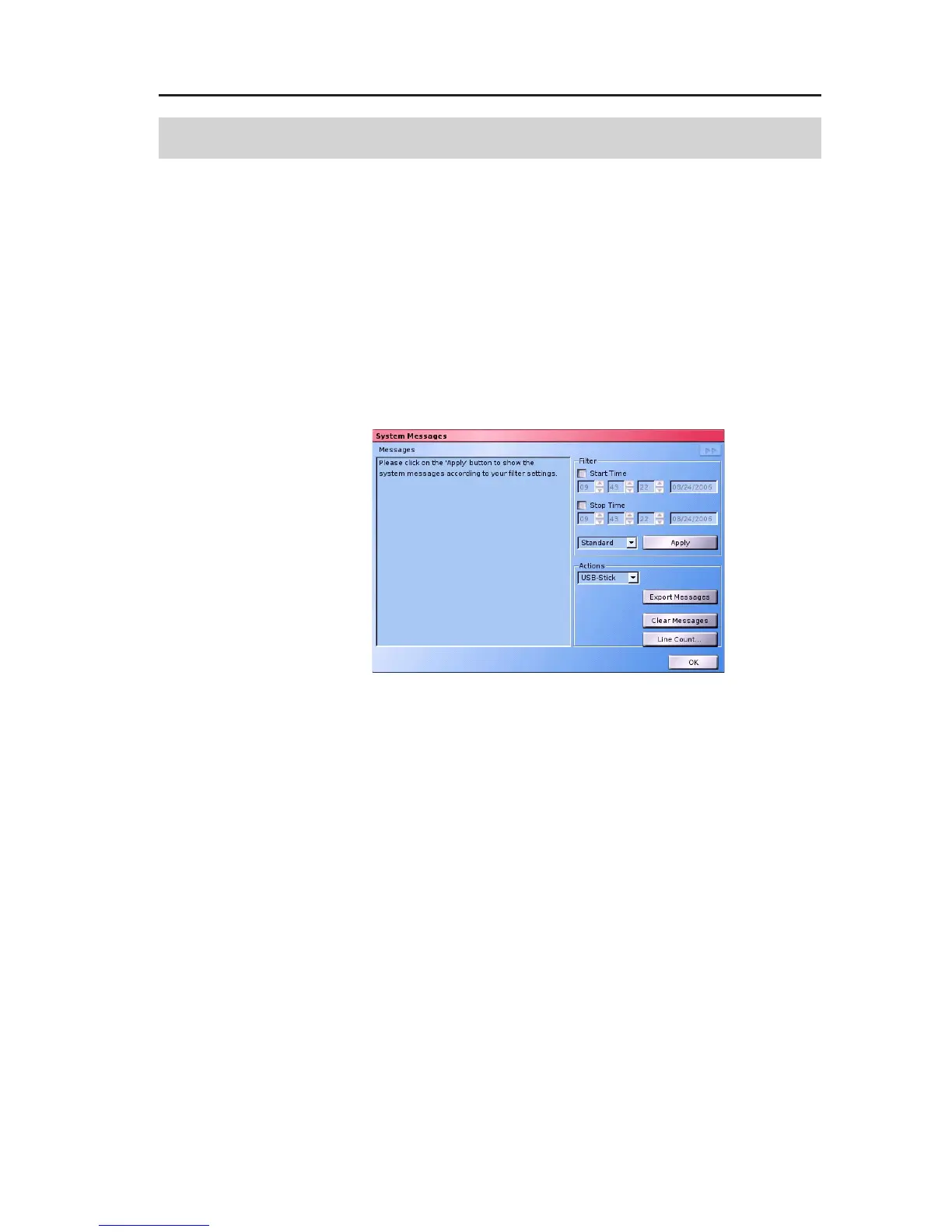
Open the System Messages dialog via Setup > System > Sys-
tem messages.
Time localization
Check the Start time and Stop time checkboxes to define the period
in which system messages are to be displayed. Messages can be
displayed from a certain point in time onwards (only Start time),
until a certain point in time (only Stop time) or within a certain
period (combination of Start and Stop time).
Message categories
The System Messages are divided into different categories. Use
the drop-down box next to Apply to decide which category you
wish to be relevant for the analysis.
Standard
System messages relating to certain states of the recorder
or events will be displayed (e.g. fan failure, shut down).
Fig. 12-1: System Messages dialog



 To Next Page